
TL;DR
Computer architecture is the work of reconciling requirements that conflict — performance, power, area, cost, schedule — into a machine someone will actually build, buy and program. The essay below sets up the narratives this course runs on. The short version:
- The instruction set is a contract, and contracts are sticky. Which ISAs survive is decided by software ecosystems, not technical elegance. That is why the industry converged on x86 and ARM, and why each of Apple’s transitions needed an emulator and five to seven years.
- Prefer microarchitecture to ISA changes. An ISA change bills the entire software ecosystem; a microarchitectural one bills only the processor maker.
- The timescales are longer than they look. ARM began its 64-bit design in 2001, shipped in volume in 2013, and reached cloud servers in 2018.
- Disruption rarely comes from those aiming at it. ARM and NVIDIA both won by being underestimated for two decades in markets nobody thought worth defending.
- The end of Moore’s law changed the economics, not the progress. Extra transistors now cost real money, which is what makes designing your own silicon (e.g. Apple’s M series, AWS Graviton) worth the trouble.
- What looks like cleverness is often supply chain. The M1’s leap came from system design and putting DRAM in the package, which Apple could do because its phone business already did; the constraint was commercial, not technical.
The point of all this is the last one in the essay: knowing why a design was chosen, and why the alternatives were not, outlasts any particular implementation (and class). Grok why branch prediction is unavoidable and why it works and you will be able to figure out the right trade-offs for its implementation.
Four pieces of advice for the project: draw and redraw diagrams, don’t start by writing Verilog, debug with your peers and always show your latest picture, and over-communicate with your team.
Computer Architecture: The Big Picture
Computer Architecture is the field that focuses on the design and construction of computing machines. Computing is now specialized into many areas, including software, hardware, microcontrollers, supercomputers, cloud computing, edge computing, networking, AI, accelerators, processors, theory, and the list goes on and on. Regardless of the specialization, computer architecture’s goal is to reconcile often-conflicting requirements to produce computers that work well and remain within appropriate budgets.
Human computers
Humanity has been building electronic computers since the 1940s. Still, the idea of using tools for computation goes back about 10,000 years, to clay tokens used for accounting and record-keeping in the ancient Near East. These were useful for administration, especially as temple and palace economies grew and needed to manage contributions, rations, and redistribution of resources. Denise Schmandt-Besserat argues that these tokens actually led to the development of writing. The idea is that tokens were eventually sealed inside hollow clay envelopes (called bullae) and, to record what was inside without breaking them open, people pressed the tokens into the envelope’s wet surface, leaving impressions. Those impressions, the theory goes, gradually became abstract marks made with a stylus, which fed into the development of cuneiform, the early Mesopotamian script, around 5000 years ago. It’s unclear whether this theory is actually correct, but wouldn’t it be interesting if it were? Boring accountants to be the driving force behind the creation of writing and millennia of human progress?
At the dawn of writing, the Sumerians already had a counting board about 5000 years ago: a flat surface divided into columns, each representing a different order of magnitude. One place counters (pebbles or clay tokens) in the columns, added or subtracted by moving them, and “carry over” by clearing a full column and adding a counter to the next one up. The Sumerian version would reflect their base-60 system with a sub-base of 10, so the columns alternate between groupings of 10 and 6 to build up powers of 60, mirroring how their cuneiform numerals worked.
An interesting thing about these early computers is that they make sense to us today: they identified a problem to solve, had a set of constraints (technological, monetary, social, etc.), and then proposed tools and steps (an algorithm) to break the problem down and simplify it. Human computers, who could speed up calculations, were still in use in the 1950s, and a fictional form of which was featured in The Three-Body Problem more recently.
Thinking of what a processor does in terms of communicating humans may make the complexity of a processor seem less daunting. The humans perform a set of predetermined tasks every time a conductor waves a baton from the top of a ladder. Instructions for each human must fit on a small card, so each has only a small set of tasks to carry out between waves. I could go on refining this model, but I suspect you could as well: how far apart should the humans be to still be able to signal to each other? How big should the card be for instructions? How fast should the conductor wave his baton? Is there a separate card used for signaling? Do we arrange humans by height so that they can see further? How and when are the cards with instructions issued? Can humans communicate with each other by voice? If it’s voice, how do we coordinate that they don’t all talk at the same time (so that everyone can hear)? And so on.
You could play this game and potentially reinvent everything in computer architecture from first principles. The details of your solution will depend on your assumptions, but you could tune them to mirror the constraints of a silicon-based processor. As a human, you are already an excellent computer. Use that perspective to explore how interacting with others could amplify your computational abilities without any additional electronics. Imagining this will help you understand the characteristics of algorithms implemented in processors, and you might also find this approach useful for better understanding other humans and organizations.
The contract
Computer architecture links two large and varied communities: those who build software and those who build hardware. Software cannot exist without hardware, and complex hardware relies on software to simplify it. Given the right architecture, one practicing in one area need not understand everything about the other. However, a computer architect needs to understand both well enough to design good abstractions and to make well-justified engineering trade-offs. A Computer Architect’s main job is to predict and reconcile product requirements, technical feasibility, and cost, often years before the product is built.
The contract between software and hardware is expressed in the instruction set architecture (ISA) that has traditionally been difficult to change due to the cost of reoptimizing software for a new ISA. Even in the age of “magical” compilers and AI-based code generation, moving from one instruction set to another remains a costly proposition: not just because low-level libraries have to be reoptimized, but because updates then need to trickle through the ecosystem and be made available for others to use.
We talk about the “attention economy” when social networks aim to capture more and more of their users’ attention, but attention has a cost (and a price) in most other contexts as well. Getting companies’ attention to change what they are already doing, even when the change is to their advantage, is complex and time-consuming. Most companies won’t jump at the opportunity to support a new ISA and incur all the update and verification costs associated with it, and they definitely won’t do it right away unless enough of their customers are demanding it; they have more important and profitable things to do.
This poses a chicken-and-egg problem when establishing a new ISA and asking software vendors to support it: a new architecture is made useful by the software that runs well on it, but software won’t run well unless someone spends the effort to optimize it for an ISA. However, sometimes this Gordian knot can be cut. Apple and its software ecosystem have moved from Motorola 68K processors to PowerPC, then to x86, and most recently to ARM. They pulled this off by providing an emulator in macOS, allowing existing software to continue running on the new architecture on day one, giving time for the new ISA to be broadly adopted before software has to be ported. The transition period for Apple’s software ecosystem has been 5-7 years.
These and other forces caused the industry to converge on only two dominant instruction sets: x86 and ARM. Intel, AMD, ARM, and their ecosystems devote considerable effort to creating and optimizing software for their architectures. This costly and long-term effort removes barriers to adopting new features.
ISA evolution
What makes one instruction set better than another is very much in the eye of the beholder. Early instruction sets were optimized for efficient encoding and ease of implementation, saving memory and design time. Later ones were optimized for assembly-writer productivity, then exposed more instruction-level parallelism (ILP) to the compiler. After that, support for larger address spaces became the driving concern. All of these changes tended to coincide with major changes to the instruction set. At first, this wasn’t a big issue, as there wasn’t much software around. You most likely have not heard of Digital Equipment Corporation because it never managed to transition from minicomputers to a mass-market computer maker and was eventually acquired by Compaq. This was partially due to its unsuccessful transition from the VAX to the Alpha instruction set, which eventually led to the company’s demise. A clean new architecture is attractive to engineers, but the real value of an ISA is in the software ecosystem that relies on it, so it’s best to stay compatible as much as possible.
Throughout the evolution of an architecture, architects have found ways to add significant new features (e.g., virtual memory and 64-bit addressing) to an existing ISA while preserving sufficient backward compatibility. They have also improved processing efficiency through specialized instructions that optimize for specific computation kernels; most recently, security and AI have been key areas of focus. The nice thing about specialized instructions is that they can usually be added without a wholesale change to the instruction set, “under the hood.” Every instruction set has a currently unused encoding space that can be populated with new instructions to optimize for new workloads as needed; in fact, architects plan for possible future changes to minimize disruption.
At the end of the day, expected future costs and related market opportunities are what drive the evolution of architectures. However, deploying that change can take much longer than anyone would expect. In 2026, 8-bit and 16-bit microcontrollers still account for about 30% of microcontroller unit volume, despite ARM and its partners having had competitive products in that space for almost 20 years. It takes a lot to get people to abandon what they are already used to. Having said that, almost all of the remaining 32-bit microcontrollers are ARM-based, so change is definitely possible; it just takes a long time.
Because of the “stickiness” of software (and therefore of instruction set architectures), it is usually preferable to innovate at the microarchitecture level whenever possible. The microarchitecture’s job is to efficiently execute the instructions defined in the ISA in hardware. How much can be implemented in the microarchitecture, and how much should be left to programmers and compilers through the ISA, depends on the available area and power budgets. ISA changes push the cost to the software ecosystem, whereas microarchitectural changes push it to the processor maker. Power, Performance, and Area (PPA) are key objectives for hardware designers, serving as proxies for what’s feasible from a cost perspective.
Cambrian explosion
There was a golden age of microarchitecture design from about the 1980s until the mid-2000s, benefiting from Moore’s law and Dennard scaling. There were many companies designing processors, as chips could contain an ever-increasing number of transistors at attractive price points, and demand for them was growing as electronics were infiltrating consumer and business society. This meant that architects could dream big, experiment, and enable exponential improvements in performance and capabilities, without the customer having to pay more.
The biggest beneficiaries of this era were Intel and Microsoft, who created a flywheel for decades of improvements. Microsoft and the DOS/Windows ecosystem created software that pushed the limits of what was feasible on a processor, and Intel made that software work better with an annual upgrade.
Intel’s accomplishment in this era is in no way trivial. This era saw most other processor makers go out of business or barely survive due to poor execution, eventually giving Intel a monopoly position that it could leverage to achieve incredible profit margins. What Intel did was build a tightly integrated organization that could predictably deliver working processors that made good use of the exponentially increasing transistor budgets. This tight integration, which worked so well for Intel then, is also the reason it has struggled to stay competitive over the last decade or so.
While great from a technological perspective, Moore’s law scaling was a coordination nightmare: teams had to plan for 5+ years when estimating PPA budgets, and even a small delay in a project could mean they would lose their competitive advantage. This is because of the exponentials: a simpler design delivered on time could erode all the advantages of a more complex design that was only a few months late. Any proposed complexity had to be balanced with predictable execution. Most of the benefits came from the available process technology, so miscalculations in transistor parameters and their number (yield) caused major disasters. Sustaining it required extensive coordination among equipment makers, process engineers, packaging engineers, processor designers, verification engineers, architects, and many others. Intel would even have multiple competing design teams, targeting the same release date to manage execution risk.
Slow burn
ARM was a different kind of company from the beginning. For one thing, it never had its own manufacturing lines (fabs), so it had to rely on others to turn its designs into usable silicon. This meant that it had to develop a patient business model that encouraged adoption and created increasingly powerful network effects to “pull through” ARM’s designs. The company got a lucky break when it was used in Nokia’s mobile phones through chips supplied by Texas Instruments starting in the early nineties, and it became the architecture that every mobile phone ended up using. Architectural standardization helped both silicon vendors design compatible chips and software vendors build reusable software components.
Because of the markets it served, ARM was always very interested in designing small, efficient processors. In general, keeping the number of transistors low usually results in more power-efficient and also cheaper designs. This served the needs of the emerging systems-on-chip (SoC) companies very well, who addressed a wide range of application areas from automotive, networking, consumer electronics, and mobile phones. These areas were considered embedded designs, mostly with proprietary software stacks. This meant that ARM flew under the radar, as far as “real” computer companies were concerned; it served a niche, a very cost- and power-sensitive market from the beginning.
Towards the end of Moore’s law, things changed: power suddenly became a first-class design constraint, and ARM emerged with an architecture that offered inherent advantages and an established software ecosystem, making it suitable for real high-end computing. It was Intel that made ARM an “overnight success” when it started playing up the threat ARM posed and talking loudly about it at analyst meetings.
But ARM had inherent advantages over Intel: it had a large number of silicon partners to proliferate across every area of computing, who had ambitions to beat Intel at its own game, and it was cheap. ARM was a company built on patience and network effects. So when Moore’s law ended, there was now an architecture mature enough to compete with Intel’s x86 and give adopters a cost and power advantage.
Evolution
ARM started designing its 64-bit architecture in 2001. The first processor to ship in volume with that architecture was the Apple A7 in the iPhone 5S in 2013. The first hyperscaler to adopt ARM was AWS in 2018, when it introduced AWS Graviton. Twelve years of development until the fruits of that labor started to bear royalties in the mobile space. Seventeen years until the architecture finally ended up in cloud servers in a meaningful way.
These are not unusually long time periods for adopting a new architecture in a new market segment. While Intel had already dominated desktop computing in the 1990s, the server market was new to them. They started with the Pentium Pro in 1995, launched the Xeon server brand in 1998, and, to cinch the deal, introduced a new 64-bit architecture called IA-64 (and the Itanium processor) in 2001. It largely failed because it was late, expensive, and slow to run existing 32-bit code, so Intel’s high-end takeover didn’t happen as planned, and allowed AMD to shine. AMD evolved x86 to a compatible 64-bit address space in the mid-2000’s. Eventually, Intel adopted these extensions, thereby unifying the x86 space and dominating the server market by the end of that decade.
When evolving instruction sets, it’s worth taking an incremental approach whenever possible. This incrementalism is evident in the messy encodings of both the ARM and x86 architectures: they evolved through pragmatic additions and clever compromises, which show up as counterintuitive instructions and encodings. These instruction sets evolved in a backward-compatible way due to microarchitectural innovations enabled by Moore’s law. Increased transistor counts allowed architects to allocate them to features such as register renaming, decoded instruction, trace, and micro-operation caches. What started as a war of competing philosophies for designing instruction sets ended in a truce: CISC and RISC processors came to resemble each other.
Disruption
In the 2010s, the ARM architecture and its processors were becoming competitive with the best that the traditional, merchant silicon manufacturers could build. Merchant silicon is the term for a processor available on the open market that anyone can buy (captive silicon is a term for a company’s own designs). Contrast this with AWS Graviton or Apple’s M and A series processors, which are designed in-house and are only available for use in the company’s own products. The fact that these companies can design their own processors cost-effectively is the benefit they derive from ARM’s business model and the decades of software investment in the ARM ecosystem.
Captive silicon (for large companies) becomes attractive as a consequence of the end of Moore’s law. Companies still want to deliver the benefits of an increased number of transistors to their customers, but these extra transistors don’t come for free any longer; they cost real money: the manufacturing cost goes up, and so does the non-recurring engineering cost (NRE) associated with a design. Vertical integration helps not only by enabling a more optimal solution, but also by avoiding margin stacking across the supply chain. By bringing design and production in-house, companies can eliminate paying merchant silicon providers’ profit margins and more easily spend that money on increasing the transistor count.
NVIDIA is the latest “overnight success” of the processor wars. It was founded in 1993, but made most of its money on graphics processing until recently. Building accelerators is usually not considered to be a good business to be in. Accelerators are hidden behind software APIs, meaning that whatever great acceleration the hardware provides can be easily swapped out for a different vendor’s, creating competition on pricing and profit margins. However, NVIDIA persevered and doubled down on its niche, which, while very hard to program, offers readily available acceleration. They also fostered a company culture that allowed it to jump straight into new markets like crypto and use the experience to make its architecture as broadly applicable to acceleration as possible. Their success in AI is the payoff of that strategy, and they are leveraging their position to become the premier general-merchant silicon provider before AI acceleration commoditizes the market.
My perception is that companies that set out to be disruptive seldom are. Either because they underestimate how long it takes to really do that (their timing is wrong or funding is insufficient), or they underestimate the countermeasures potential disruptees can deploy. In ARM’s case, it managed to fundamentally change a market because it was not perceived as a threat to the merchant silicon providers for almost two decades (it operated in a different market). In NVIDIA’s case, it was the resilience that comes with being “just a peripheral” long enough, along with the belief that an eventual “next big thing” will bring them success. Both of these companies looked like commodities, easily replaceable, until one day they proved difficult to avoid.
Not the end times
The processor industry always looks pretty stable at any given year, only for things to suddenly change overnight. One of the reasons for this has been the long planning cycles across many companies as they develop highly complex and expensive technologies, and the failure of some long-term but necessary innovations. Another has more to do with the business cycles.
All companies have lifecycles, and successes eventually fade. IBM used to be the king of the hill, having coined the term “computer architecture” and invented or deployed most of the key ideas in computers decades before the current cycle began in the 1980s. However, they lost their crown long ago. Commodore was the highest-volume microcomputer manufacturer in the 1980s; it went out of business in 1994. Nokia was the number one mobile phone brand for about two decades, but now they are a “B2B technology innovation leader,” doing not sure what. Apple almost went out of business in 1998 and was rescued by a loan from Microsoft and sales of its ARM shareholdings after ARM IPOed.
Multiple forces drive these cycles, but one in particular has a witty name: “enshittification.” Cory Doctorow used this to describe the pattern by which digital platforms progressively degrade. First, delighting users to lock them in, then abusing those users to benefit business customers, then squeezing those business customers to claw value back for the platform itself, until the service becomes a hollowed-out shell optimized for extraction rather than usefulness.
If you look beyond platform companies, enshittification is a byproduct of prioritizing short-term profit over long-term customer relationships, leading customers to move elsewhere or to stay and become resentful. Customers leave if they have options, causing a relatively quick death. If they are forced to stay because they cannot move elsewhere (due to switching costs, network effects, or a lack of a good alternative), they’ll punish the company in other ways. An example of the latter is Microsoft, which was resented for practices around its Windows monopoly, as it was unable to enter the mobile space in any meaningful way. They only exited purgatory a decade and a half later, in the 2010s, when the collective unconscious decided that while Microsoft mobiles were a no-go, its cloud was okay.
Computer evolution doesn’t stop just because Moore’s law has ended. It’s just that this end means certain assumptions have to change, which affects companies and individuals. As Garth from Wayne’s World said, “We Fear Change.” Despite the Buddha’s best efforts, a narrative that explains how humans and companies tend to behave is that they fear change and do whatever they can to avoid it. When they think they cannot avoid it any longer, they often try to change too much. Neither the fear nor the overreaction is usually the best path forward. But how do we know what the right path might be?
Narratives
Stories are central to the human experience. We can trace how the stories the Sumerians recorded on cuneiform tablets 4000 years ago made their way into the Old Testament millennia later (e.g., The Flood, Creation, Humans made of Clay, Confusion of Languages, and many others). The way most impactful movies are organized today follows a pattern called the “Hero’s Journey,” which was first recorded in the Epic of Gilgamesh 4000 years ago, and popularized by Homer for modern audiences in the Odyssey about 3000 years ago. The contents convey complex ideas that various societies deemed important, making them broadly accessible and providing blueprints for solving problems.
I started the story of computer architecture in medias res to give you a few narratives to help you make sense of the material you will encounter. There will be lots of others during the course. What will make you successful is really understanding ideas at the “big picture” level, not just the technical details. Knowing why a certain solution was chosen (and why others weren’t) is more important than the exact details. In fact, comparing multiple implementations helps you focus on the important details: what are recurring ideas and what are one-offs. The lectures will focus primarily on the narratives and the issues around a set of key ideas. However, you will have to study their implications and implementation details outside of class and bring back questions for further discussions.
Take branch prediction as an example: if you really grok why branch prediction is unavoidable in processor design, and what really matters about them, you will have learned a much more fundamental set of insights than knowing everything about designing a specific predictor. These insights will help you prioritize problems and efficiently tune a predictor within available budgets when you actually have to build one. Of course, you will need to figure out how to build one during the course, but the constraints on its implementation will change when you build one again in the future (misprediction pipeline depths, update policies, cycle budget, throughput requirements, etc.), so you have to understand the design at multiple levels. You will succeed if you have captured the right narratives for yourself so that you can make the right low-level decisions in the future in light of them.
Labs are designed to give you a hands-on introduction to building a processor that will evolve into a group project during the term. The most important part of this project is the times when you are stuck. This is when it becomes apparent that there is a narrative mismatch somewhere in your mind, and you have to figure out where exactly it is. You had one model of the processor and your infrastructure in mind, and it turns out to be incorrect. This is where you need creativity and self-awareness to guide your explorations efficiently. It will take hours at first to find bugs that will seem trivial in retrospect. By the end of the course, you will have practiced creative problem-solving enough and will be much quicker (bugs will still look trivial in retrospect).
Four pieces of specific advice: 1) Always draw and redraw diagrams about hardware, as it helps clarify your own understanding, and communicate your design more effectively. 2) Do not start writing Verilog right away; the apparent similarity with other programming languages is misleading. 3) Debug with your peers, always show the latest picture of your design when you ask a question. The main goal of the project is for you to improve your problem-solving skills and arrive at a good-enough solution. 4) Good teamwork requires over-communication. Work together on your projects face-to-face as much as you can. Don’t expect everyone to contribute equally, but try to maximize the ways and places where each of you can make contributions. Try to see your teammate’s issues from their perspective, not just your own.
Learn many narratives, and when you encounter a situation, analyze the course of action they suggest. Don’t be afraid to be skeptical and to criticize them. The hardest thing to decide is usually which narrative actually applies, and you can only extract that essence through criticism. To choose the best narrative takes curiosity, experience, and judgment. Harvard Business School is famous for using case studies to guide businesses, and the same narrative approach can be applied effectively to understand the right trade-offs in computers.
Competing narratives
Understanding the real engineering constraints and what you can do about them goes way beyond understanding the technology: you have to understand how a piece of technology fits with others and gets used, and what real impact that can have on its users. When Apple moved the Mac to the ARM architecture in 2020 with the M1 processor, the speedup and efficiency gains were astonishing compared to its Intel predecessors. At the surface, this could seem like a story that says Intel missed the plot and that ARM and Apple were much more clever. A better explanation turns out to be less divisive.
A key thing about computers is that what really matters is the memory system (how quickly data can be moved to the processor when needed). What Apple did was borrow the in-package integrated DRAM-and-processor approach from its mobile phones and apply it to its PCs. Seems like a relatively easy thing to do, but it has major implications for the supply chain, how DRAM is bought and priced, and explains why it hasn’t been a mainstream approach in PCs before. Processor makers have traditionally aimed to commoditize DRAM and make it as cheap as possible. They also never had to buy it before to include it with their processors; hedging its price based on demand was the PC maker’s job (who isn’t usually the processor maker). This change was easy for Apple to make because its mobile phone business was already doing it; it was already vertically integrated, but it was difficult for others who weren’t used to doing so. All of this translated into a step-function improvement in performance and efficiency, and it still does, while the rest of the industry is playing catch-up. Being able to execute on this is actually what differentiates Apple.
While lots of people talk about innovation and disruption, it is a herd mentality in the computer industry. Once one player does something that seems good, others quickly copy it, and there are long periods when nothing out of the ordinary happens: here is a new processor; it’s marginally better than the previous one. Still, of course, it’s the world’s best at something or other. Because it’s so expensive to design and manufacture new chips, building on what already works and not changing things is the right approach: “if it ain’t broke, don’t fix it.” This means that technology development is highly path-dependent; even if better solutions exist for a problem, the threshold for putting them into a product is very high: anything new increases perceived risk. This may be a frustrating experience, but is it irrational?!
Something like this might be happening with how Moore’s law is used in marketing today. Companies keep saying they are on track or outpacing it, even though, as Moore framed it, the law has been dead for a while. What these companies mean is that they are using more transistors than before, but Moore was talking about equivalent cost when doubling their number. For some reason, marketing teams think that hiding the truth about this is preferable to just not mentioning it.
This illustrates the inertia of useful narratives: they turn into memes and become common points of reference, even when the specifics change.
August 24, 2026
Copyright (C) 2026 by Krisztian Flautner, All Rights Reserved.
Lectures are Mondays and Wednesdays 16:30-18:00 in 1365 LCSIB.
Labs and project debug time are on Fridays 11:30-13:30 in 2365 LCSIB.
Office Hours and project debug time are on Tuesdays 14:30-17:00 in 1620 Beyster.
Deliverables (Homeworks, Readings, Presentations, Lab assignments, etc.) are due before the beginning of class on the days marked.
| Date | Class | Topic | Reading | Homework | Due |
|---|---|---|---|---|---|
| M Aug 31 | Lecture 1 | Introduction→ Digest | ReadingMicrocode, Computer Arch, DynaBook Microcode due Sep 9 Computer Arch due Sep 21 DynaBook due Sep 21 | HomeworkEECS370 Review due Sep 9 | |
| W Sep 2 | Lecture 2 | Memory organization→ Digest | |||
| F Sep 4 | Lab 0 | Setup & Review→ DigestHandoutsWaveform due same dayHW Probing Script due Sep 11 | DueIn LabWaveform | ||
| M Sep 7 | Labor day | ||||
| W Sep 9 | Lecture 3 | Processors→ Digest | HomeworkHP-65 + DynaBook due Sep 21 | DueHWEECS370 ReviewPaperMicrocode | |
| F Sep 11 | Lab 1 | Combinational Logic→ DigestHandoutsReduction Hardware Diagrams due same dayMin Modules w/ Testbench due Sep 18 | DueFrom Lab 0HW Probing ScriptIn LabReduction Hardware Diagrams | ||
| M Sep 14 | Lecture 4 | Pipelining→ Digest | |||
| W Sep 16 | Lecture 5 | Speculation→ Digest | |||
| F Sep 18 | Lab 2 | Synthesis→ DigestHandoutsSynthesis Predictions due same daySynthesis Results due Sep 25 | DueFrom Lab 1Min Modules w/ TestbenchIn LabSynthesis Predictions | ||
| M Sep 21 | Lecture 6 | Engagement + Discussion→ Digest | ReadingGshare due Oct 7 | DueHWHP-65 + DynaBookPaperComputer Arch, DynaBook | |
| W Sep 23 | Lecture 7 | Speculation 2→ Digest | |||
| F Sep 25 | Lab 3 | Sequential Logic→ DigestHandoutsFIFO, FSM Hardware DiagramsFIFO Modules, Verilog Matching | DueFrom Lab 2Synthesis ResultsIn LabFIFO, FSM Hardware Diagrams | ||
| M Sep 28 | Lecture 8 | Register Renaming (R10K)→ Handout→ Digest | HomeworkMXU Project, Register renaming MXU Project due Oct 14 Register renaming due Oct 5 | ||
| W Sep 30 | Lecture 9 | Branch prediction→ Digest | |||
| F Oct 2 | Lab 4 | Multi-Cycle CPUsHandoutsSubleq FSM DiagramSubleq Multi-Cycle CPU | DueFrom Lab 3FIFO Modules, Verilog MatchingIn LabSubleq FSM Diagram | ||
| M Oct 5 | Lecture 10 | Branch prediction + Forming the trace→ Digest | DueHWRegister renaming | ||
| W Oct 7 | Lecture 11 | The Big Ideas + Discussion + Review→ Digest | ReadingR10K due Oct 21 | DuePaperGshare | |
| F Oct 9 | Lab 5 | Pipeline Control FlowHandoutsSubleq Pipeline Diagram w/ SquashingSubleq Pipeline w/ Squashing | DueFrom Lab 4Subleq Multi-Cycle CPUIn LabSubleq Pipeline Diagram w/ Squashing | ||
| M Oct 12 | Lecture 12 | Costs and Moore→ Digest | HomeworkMidterm Review due Oct 28 | ||
| W Oct 14 | Lecture 13 | Parametric Yield→ MXU Build Plan | DueHWMXU Project | ||
| F Oct 16 | Lab 6 | Pipeline Data FlowHandoutsSubleq Pipeline Diagram w/ ForwardingSubleq Pipeline w/ Forwarding | DueFrom Lab 5Subleq Pipeline w/ SquashingIn LabSubleq Pipeline Diagram w/ Forwarding | ||
| M Oct 19 | Fall Study Break | ||||
| W Oct 21 | Lecture 14 | Benchmarking + PPA | DuePaperR10K | ||
| F Oct 23 | Lab 7 | Pipeline Structural HazardsHandoutsSubleq Pipeline Diagram w/ Memory ArbitrationSubleq Pipeline w/ Memory Arbitration | DueFrom Lab 6Subleq Pipeline w/ ForwardingIn LabSubleq Pipeline Diagram w/ Memory Arbitration | ||
| M Oct 26 | Lecture 15 | Midterm review | |||
| T Oct 27 | Midterm | 7pm to 9pm | |||
| W Oct 28 | Lecture 16 | LSQ | DueHWMidterm Review | ||
| F Oct 30 | Lab 8 | Instruction Cache (PROJECT LAUNCH)HandoutsProject Starter Code AnalysisProject w/ I-Cache | DueFrom Lab 7Subleq Pipeline w/ Memory ArbitrationIn LabProject Starter Code Analysis | ||
| M Nov 2 | Lecture 17 | MP 1 | |||
| W Nov 4 | Lecture 18 | MP 2 + MT | |||
| F Nov 6 | Lab 9 | Pipeline StagesHandoutsProject ReportProject w/ Split Backend + Memory Arbitration, Mini Presentation Slides | DueFrom Lab 8Project w/ I-CacheIn LabProject Report | ||
| M Nov 9 | Lecture 19 | Discussion + review | |||
| W Nov 11 | Lecture 20 | Technology evolution | |||
| F Nov 13 | Lab 10 | Branch PredictionHandoutsMini PresentationsProject w/ BP+BTB | DueFrom Lab 9Project w/ Split Backend + Memory Arbitration, Mini Presentation SlidesIn LabMini Presentations | ||
| M Nov 16 | Lecture 21 | Virtualization 1 | |||
| W Nov 18 | Lecture 22 | Virtualization 2 | HomeworkFinal Prep | ||
| F Nov 20 | Lab 11 | Decoupled Front-End, Dynamic TestbenchesHandoutsProject Report MeetinguOpQ w/ Testbench | DueFrom Lab 10Project w/ BP+BTBIn LabProject Report Meeting | ||
| M Nov 23 | Lecture 23 | Discussion + Review | |||
| W Nov 25 | Thanksgiving | ||||
| F Nov 27 | Thanksgiving | ||||
| M Nov 30 | Lecture 24 | Bad Ideas | |||
| W Dec 2 | Lecture 25 | Modern processors 1 | |||
| F Dec 4 | Lab 12 | Limited Out of OrderHandoutsProject ReportProject w/ OoO uOpQ, Final Presentation Slides | DueFrom Lab 11uOpQ w/ TestbenchIn LabProject Report | ||
| M Dec 7 | Lecture 26 | Modern processors 2 | |||
| W Dec 9 | Lecture 27 | Review | |||
| F Dec 11 | Lab 13 | Project PresentationsHandoutsFinal Presentations | DueFrom Lab 12Project w/ OoO uOpQ, Final Presentation SlidesIn LabFinal Presentations | ||
| M Dec 14 | Final exam | 4pm to 6pm |
Communications
The best way to reach us is a public Piazza post. Other students may help answer too.
For things specific to you (illness, grade discrepancies, etc.): a private Piazza post.
Email eecs470staff@umich.edu only if you are locked out of Piazza, or for urgent things (hard deadlines in less than 18 hours).
Messages not following these guidelines are unlikely to receive a (timely) response.
Prerequisites
An override of the EECS 270 requirement asks you to demonstrate proficiency in state machine design and Verilog coding. Write the Verilog for EECS 270’s Lab 6 and answer the questions in the pre-lab and post-lab portions. Get that material to us to review and we can issue the override (send email to eecs470staff@umich.edu).
Course policies
In-person attendance is required for both lectures and labs.
Slides are released after lectures and labs.
Video recordings may be available; avoid for your own good.
Lab assignments: in-lab assignments must be submitted the same day; post-lab assignments before the next lab. An unsubmitted lab dilutes your engagement score, and there are no drops.
Extensions are given for emergencies or approved conflicts with at least 24 hours’ notice.
Accommodations: send an SSD VISA letter.
For either, reach us per the Communications guidelines above (a private Piazza post; email only if you are locked out or it is urgent).
LLMs: use them to research concepts and to write Verilog test benches. Do not use them to summarize, and do not use them to write hardware modules or text unless stated otherwise.
Chatham House Rule: share knowledge, do not share the identities of the people involved outside of class.
Collaboration for learning, debugging, and group projects is expected from you.
Handwritten notes are encouraged; the best students in this class are excellent note-takers.
Grade components
| Component | Weight |
|---|---|
| Group project — technical | 15% |
| Group project — collaboration | 10% |
| Group project — presentation | 5% |
| Exams | 40% |
| Engagement | 10% |
| Labs | 10% |
| Homeworks + quizzes | 10% |
Homework, exams and regrades
Homework is submitted via GradeScope or GitHub. Up to 48 hours late carries a 25% penalty. Unsubmitted homework also dilutes your engagement score, and there are no drops.
Exams: one sheet, double-sided “cheat sheet” allowed. It must be handwritten, not computer generated.
Regrades: only for actual grading mistakes, not for extra partial credit. Individual requests may be throttled.
Policies may change.
-

Ron Dreslinski
Professor (EECS 472)
Quilting -

Krisztian Flautner
Professor (EECS 470)
InternConnect @ CSE
ex-VP of R&D @ ARM
ex-CEO @ Banzai Cloud
CEO @ Replicam -

Mason Nelson
GSI
PhD student @ UofM
Interned @ AMD -

Gabriela Ribeiro Znamensky
GSI
2nd year grad student
Theatre -

Nat Nguyendinh
GSI
Prev @ Apple, Microsoft
Guitar & bass -

Artem Demenchuk
IA (EECS 472)
Branch predictors
Hiking -

Ryan Davis
IA
Interned @ Qualcomm
Reading, golfing, hiking -

Rohan Satapathy
IA
Silicon validation @ Apple
Cooking, baking, reading
Foundations
The Computer Programs of Charles Babbage
What Babbage actually wrote for the Analytical Engine, a century before there was a machine to run it. Loops, conditionals and subroutines, worked out on paper.
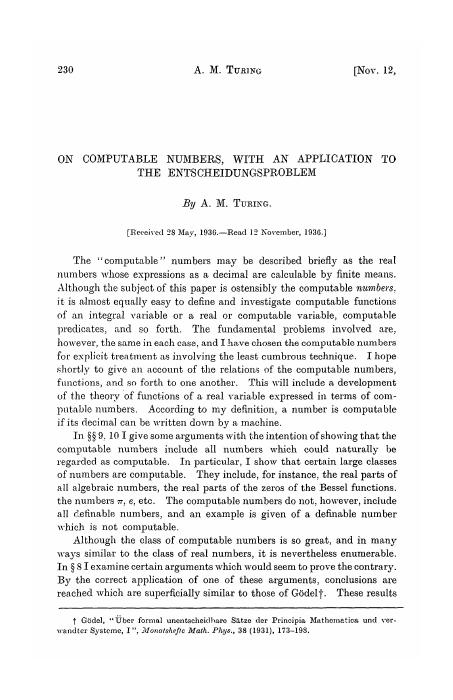
On Computable Numbers, with an Application to the Entscheidungsproblem
Turing, 1936. Settling a question in logic required him to define computation itself, and the definition he reached — a machine reading and writing symbols on a tape according to a table of states — is the one the field kept. The universal machine, which reads another machine’s description off its own tape and behaves like it, is the idea every stored-program computer since has been an implementation of.
The Best Way to Design an Automatic Calculating Machine
Wilkes, 1951, introducing microprogramming: make the control unit a small computer in its own right and the hardest part of the design becomes a programming problem. The idea the course returns to all term.
The Early Development of Programming Languages
Knuth and Trabb Pardo trace the first decade of programming notation. Useful for seeing how much of what feels inevitable about instruction sets was a choice someone argued about.
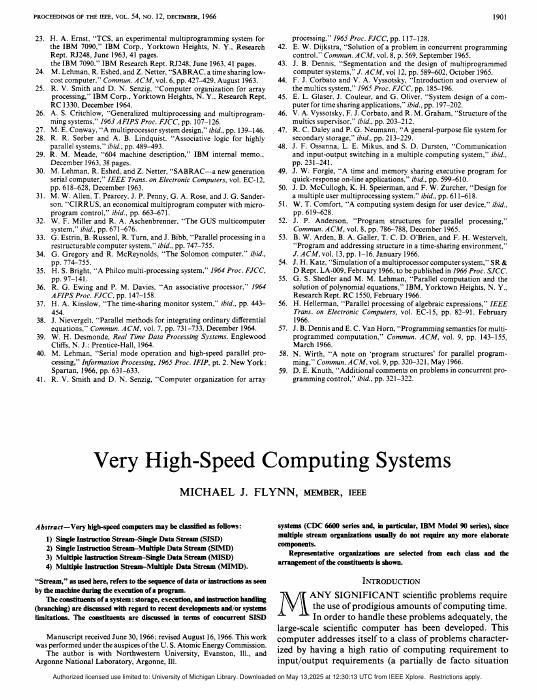
Very High-speed Computing Systems
Flynn, 1966 — the taxonomy that gave us SISD, SIMD and MIMD, and an early, clear statement of what actually limits a fast machine.
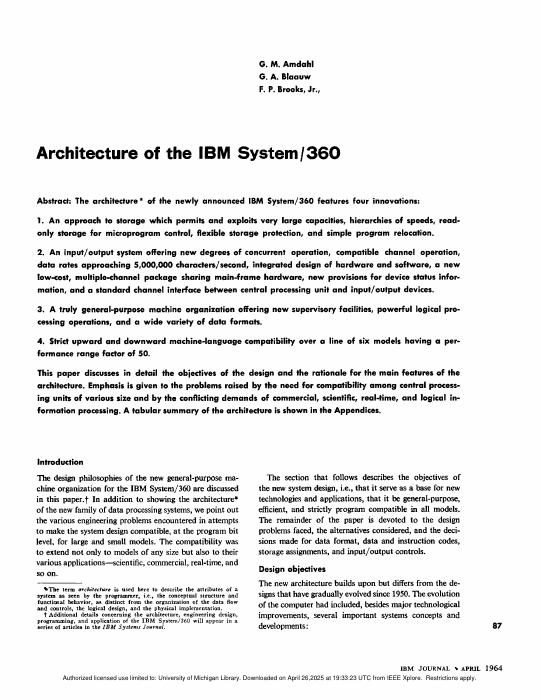
Architecture of the IBM System/360
Amdahl, Blaauw and Brooks separating architecture from implementation so one instruction set could span a family of machines. The paper that made “the interface is the product” an engineering idea.
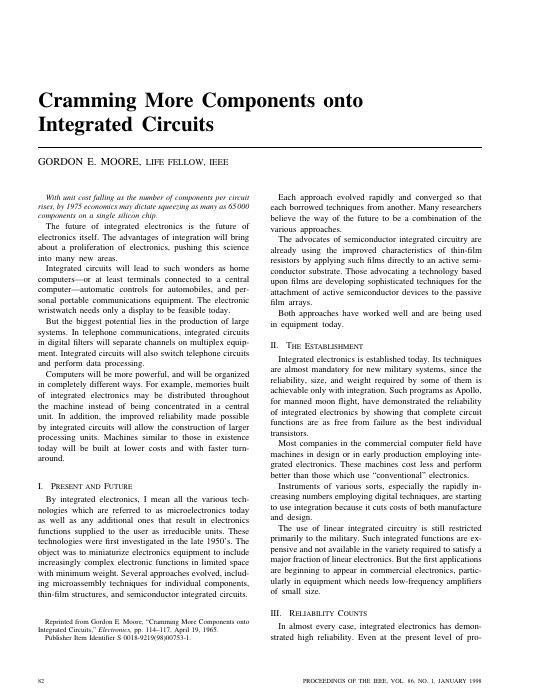
Cramming More Components onto Integrated Circuits
Moore’s 1965 note. Three pages, one extrapolation, and sixty years of planning assumptions — worth reading to see how carefully hedged the original claim was.
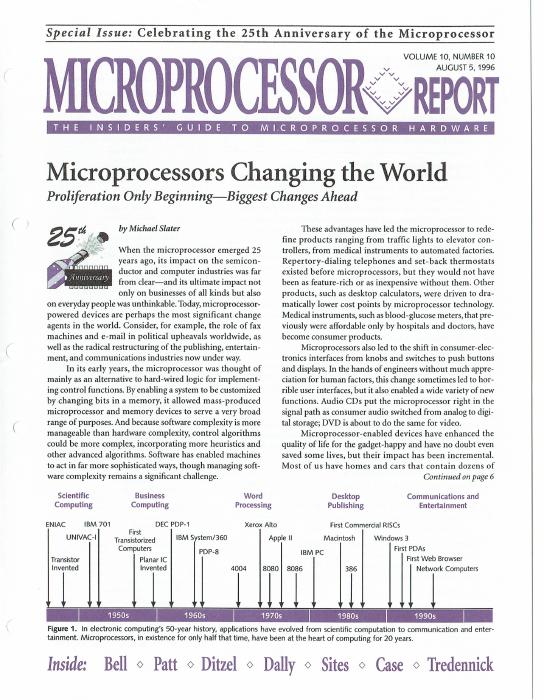
Microprocessor Report: 25 Years of the Microprocessor
The August 1996 anniversary issue, Michael Slater surveying what the first twenty-five years of microprocessors had done to everything else. Useful as a snapshot of how the industry read its own position at the halfway point.
Instruction Sets
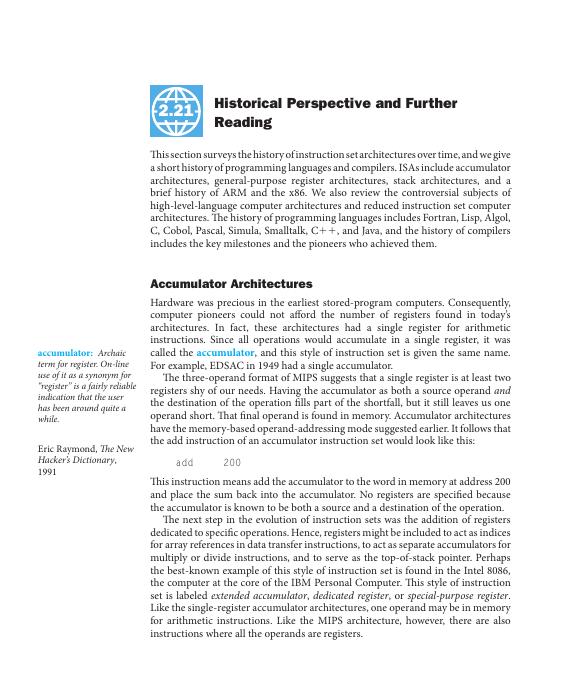
A Historical Perspective on ISAs
How instruction sets got the shapes they have: accumulator, stack, register, CISC, RISC, and what each was solving for at the time.
Another Approach to Instruction Set Architectures — the VAX
The case for a rich, orthogonal, memory-to-memory instruction set, made by the people who built the most complete example of one. Read alongside the RISC papers rather than after them.
Performance Effects of Architectural Complexity in the Intel 432
A careful autopsy of an ambitious machine that ran slowly, separating the penalties that came from the architecture from the ones that came from the implementation. The best cautionary tale in the reading list.
ARM's Smallest Thumb
Code density as a first-class design goal, and what a compressed encoding costs elsewhere in the pipeline.
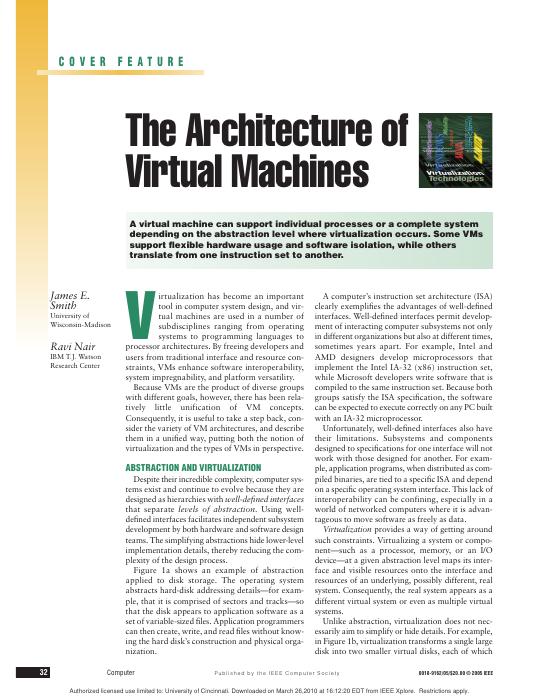
The Architecture of Virtual Machines
Smith and Nair on what an “architecture” is once you can implement one on top of another — the layer boundaries that make binary translation and emulation possible.
Benchmarking
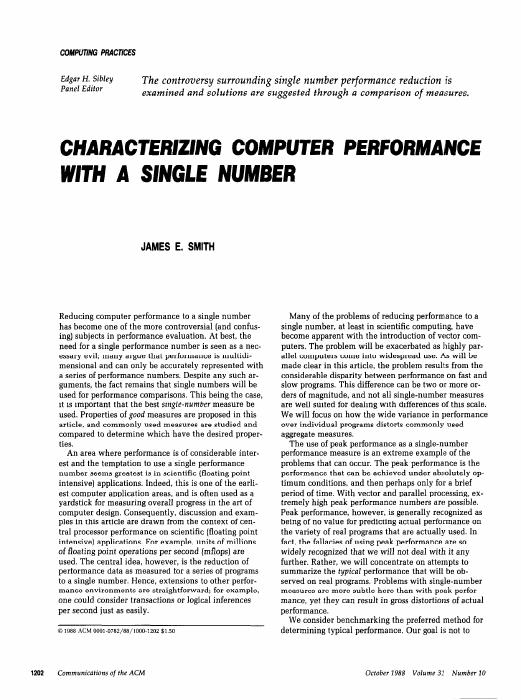
Characterizing Computer Performance with a Single Number
James E. Smith sets out the properties a single-number measure ought to have, then tests the usual candidates against them. The case for measuring time rather than rates, and against averaging numbers you have already normalised.
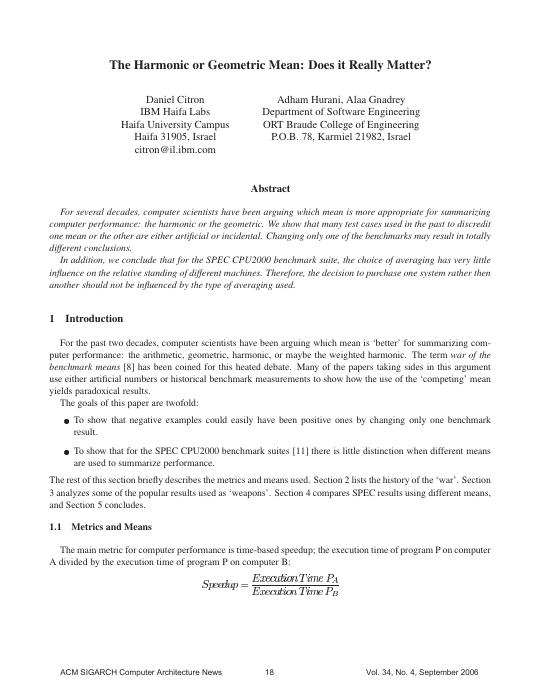
The Harmonic or Geometric Mean: Does It Really Matter?
Citron, Hurani and Gnadrey revisit the examples used over the years to discredit one mean or the other and find most of them artificial — change a single benchmark and the conclusion reverses. On SPEC CPU2000 the choice barely moves the ranking.
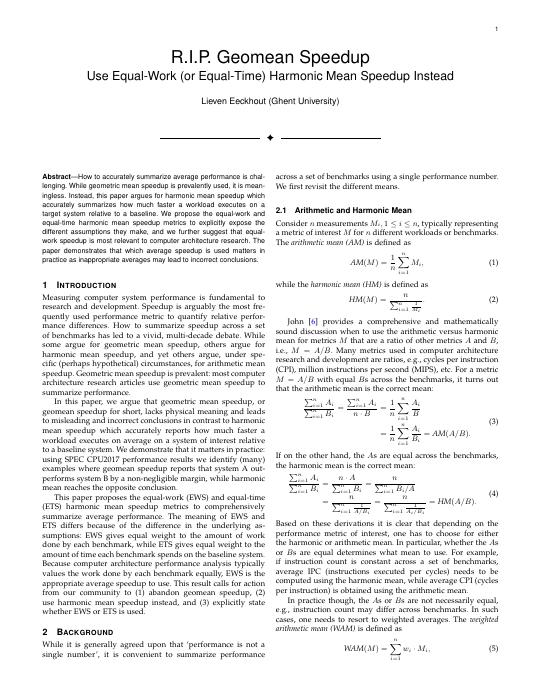
R.I.P. Geomean Speedup
Eeckhout argues geometric mean speedup is not merely awkward but meaningless, and proposes equal-work and equal-time harmonic mean speedup instead. Read against Citron: they disagree about whether the choice matters in practice, and working out who is right is the exercise.
Overview of the SPEC Benchmarks
Where the numbers everyone quotes come from, and the rules that keep them comparable.
Dhrystone: A Synthetic Systems Programming Benchmark
Weicker builds a benchmark out of measured frequencies of language constructs rather than out of a real program. Read beside SPEC as the case for synthetic workloads — and, with hindsight, as a lesson in how completely a benchmark can be gamed once it becomes the target.
Pipelining
A Comparison of Two Common Pipeline Structures
Where the latches go and what that costs you, compared directly.
Analysis and Design of Latch-Controlled Synchronous Digital Circuits
Unger and Tan on the timing underneath a pipeline: how much of a cycle is real work, and how much is the clocking discipline.
Increasing Processor Performance by Implementing Deeper Pipelines
Sprangle and Carmean, from Intel’s Pentium 4 architecture group, take a P4-like machine as the baseline and argue that deeper pipelines keep paying — with a careful account of what branch mispredictions cost as depth grows.
The Optimum Pipeline Depth for a Microprocessor
Hartstein and Puzak at IBM answer the same question analytically, and find two parameters pulling against each other: more instruction-level parallelism shortens the optimal pipeline, fewer stalls lengthen it. Read the two together and work out why they differ.
Branch Prediction
A Study of Branch Prediction Strategies
Smith, 1981 — the paper that established the two-bit saturating counter, and still the clearest statement of what a predictor is actually being asked to do.
A Comparison of Dynamic Branch Predictors that Use Two Levels of Branch History
Yeh and Patt’s systematic sweep of the two-level design space — global versus per-branch history, shared versus private tables. The naming scheme everyone still uses comes from here.
Alternative Implementations of Two-Level Adaptive Branch Prediction
The earlier Yeh and Patt paper that introduced the scheme: predict from a pattern of recent outcomes rather than from one counter.
Combining Branch Predictors
McFarling’s gshare, and the tournament predictor that picks between two component predictors per branch. Small paper, very large influence.
Prophet/Critic Hybrid Branch Prediction
Falcón, Stark and others let a second predictor watch the first one’s predictions and overrule it using information from further down the path.
Reducing the Cost of Branches
McFarling and Hennessy weigh the alternatives — delayed branches, fast compare, prediction — from the era when it was still an open question which would win.
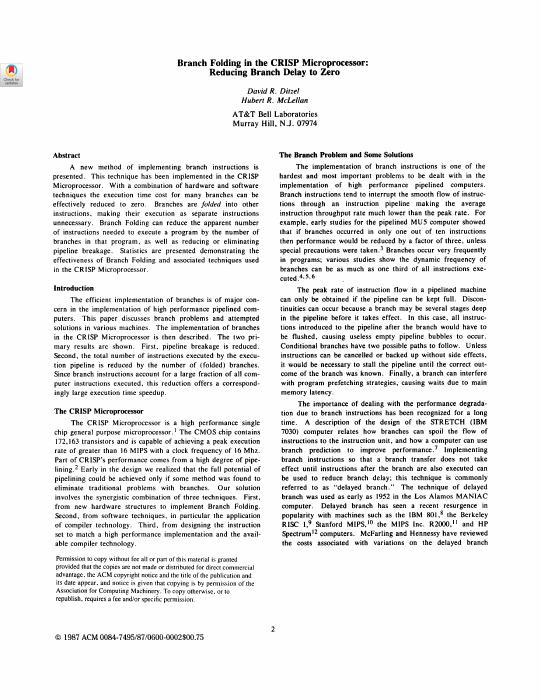
Branch Folding in the CRISP Microprocessor: Reducing Branch Delay to Zero
Ditzel and McLellan fold the branch into the preceding instruction in a decoded cache, so a taken branch costs nothing. An idea worth knowing before you meet the trace cache.
Superscalar Execution and the Limits of ILP
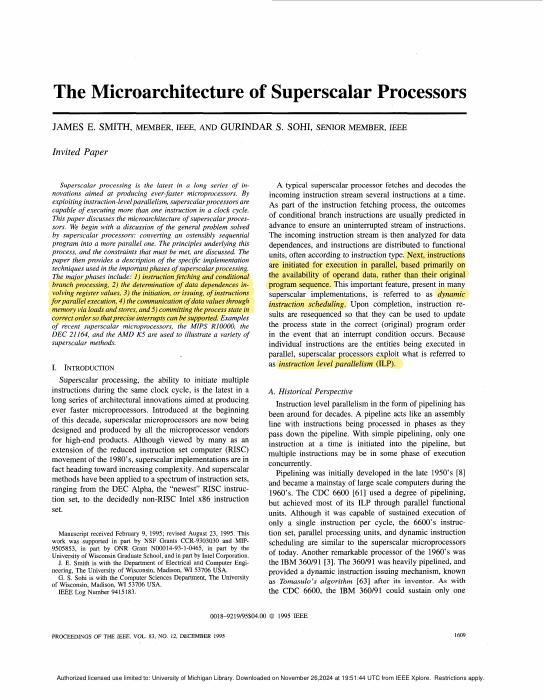
The Microarchitecture of Superscalar Processors
Smith and Sohi’s survey — the single best map of the territory the project covers. If you read one paper from this list, read this one.
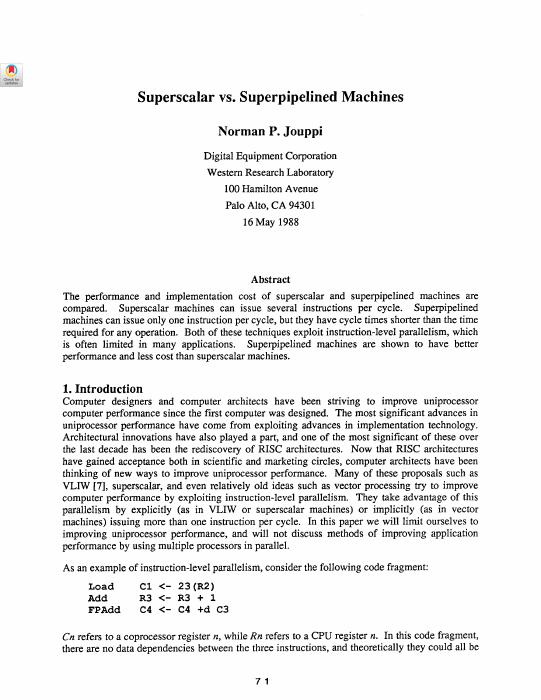
Superscalar vs. Superpipelined Machines
Two ways of spending the same transistors, compared on equal terms.
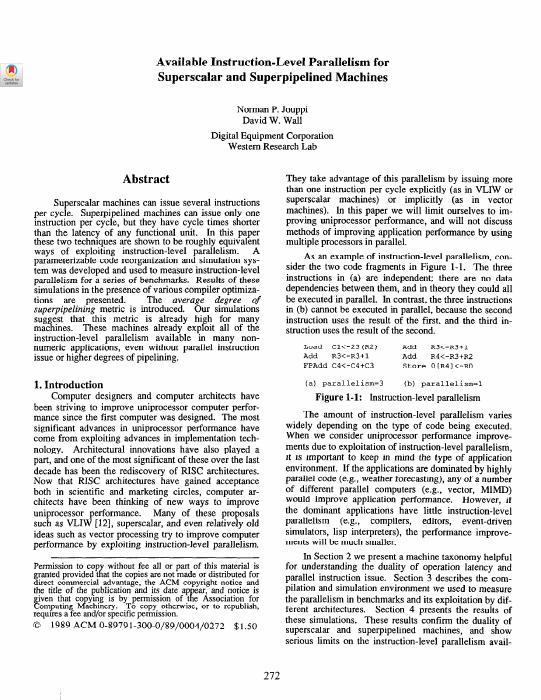
Available Instruction-Level Parallelism for Superscalar and Superpipelined Processors
Jouppi and Wall measure how much parallelism the programs actually contain, which bounds what either design can deliver.
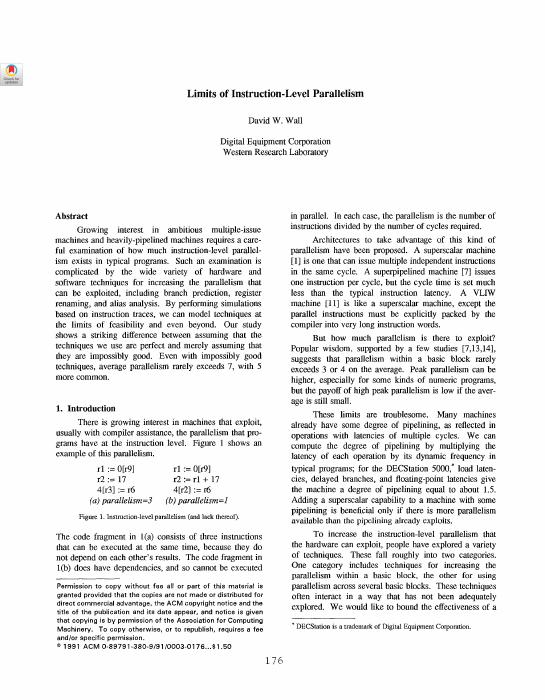
Limits of Instruction-Level Parallelism
Wall removes one idealisation at a time — perfect prediction, perfect renaming, perfect memory disambiguation — and reports what each is worth. The paper that explains why the numbers stopped going up.
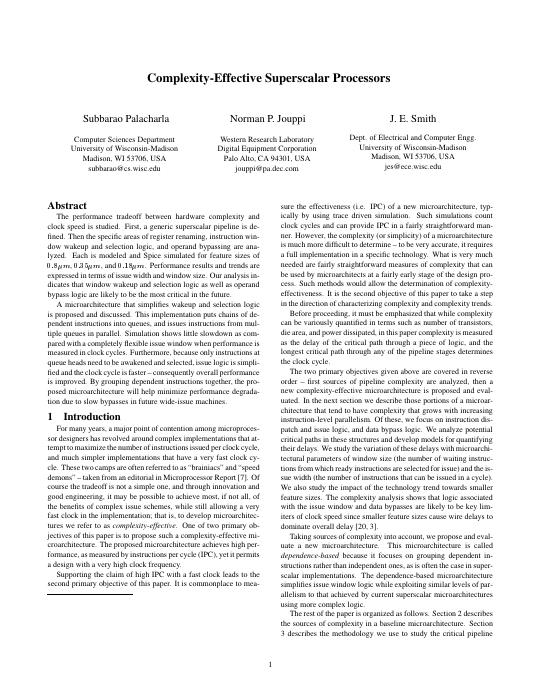
Complexity-Effective Superscalar Processors
Palacharla, Jouppi and Smith find the structures whose delay grows fastest with issue width, and propose a design that avoids them. Directly relevant to the EECS 472 project.
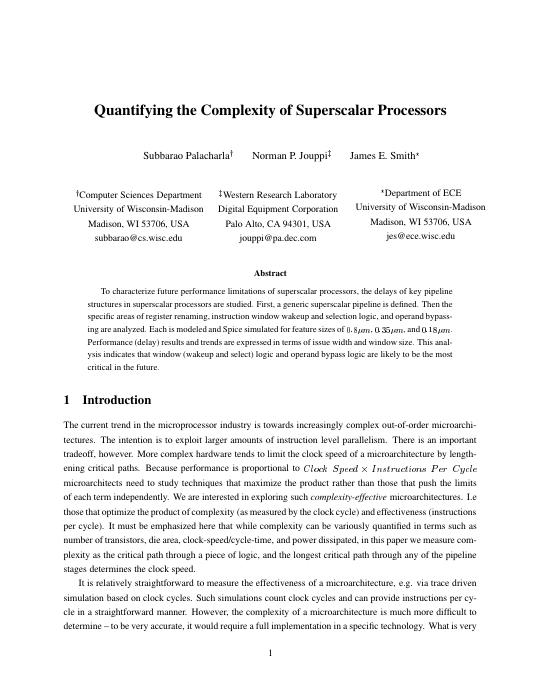
Quantifying the Complexity of Superscalar Processors
The longer technical report behind that paper, with the models worked out.
Multiprocessing
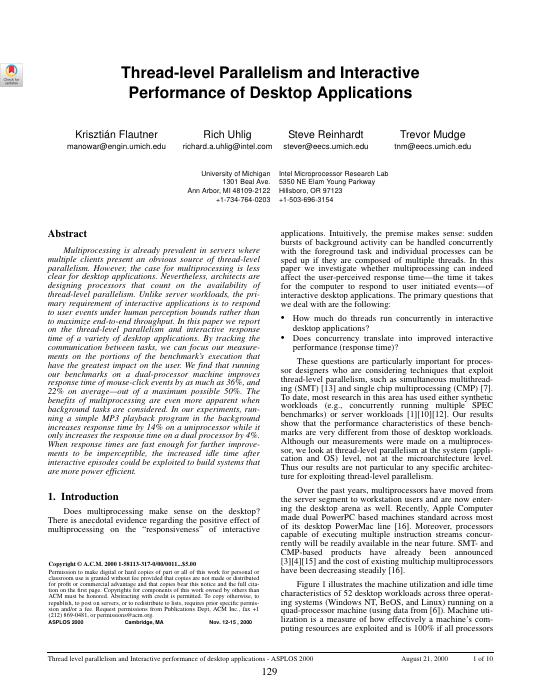
Thread-Level Parallelism and Interactive Performance of Desktop Applications
Flautner, Uhlig, Reinhardt and Mudge instrument real desktop sessions and count how many threads are genuinely running at once. The answer — rarely many, but bursty and bounded by what a person notices — is the bar a multiprocessor has to clear before it is worth the transistors.
Evolution of Thread-Level Parallelism in Desktop Applications
Blake, Dreslinski and Mudge take the same measurement a decade later, after multicore had shipped and software had had time to answer. Read the two together: how much changed is the question, and how little is the finding.
Out-of-Order Execution
An Efficient Algorithm for Exploiting Multiple Arithmetic Units
Tomasulo, 1967. Reservation stations, the common data bus, and register renaming as a side effect.
Instruction Issue Logic for Pipelined Supercomputers
Weiss and Smith compare scoreboarding and Tomasulo’s algorithm on the same machine — the comparison neither original paper can give you.
Implementation of Precise Interrupts in Pipelined Processors
Smith and Pleszkun introduce the reorder buffer and the history buffer, and with them the idea that a machine can execute out of order while appearing not to. Read before you design your retire stage.
The Design Space of Register Renaming Techniques
Sima lays out every way renaming has been done — merged file, separate architectural file, ROB slots — and what each costs. The reference to have open while you pick one.
Memory Dependence Prediction Using Store Sets
Chrysos and Emer on when a load may safely pass a store whose address is not yet known, and how to learn the answer from experience.
Checkpoint Processing and Recovery: Towards Scalable Large Instruction Window Processors
Akkary, Rajwar and Srinivasan get a very large window without a very large reorder buffer, by checkpointing selectively instead of tracking every instruction.
Resource Allocation in a High Clock Rate Microprocessor
What happens to allocation and deallocation of queue entries when the clock is the constraint, from people who had to make it work.
Instruction Delivery
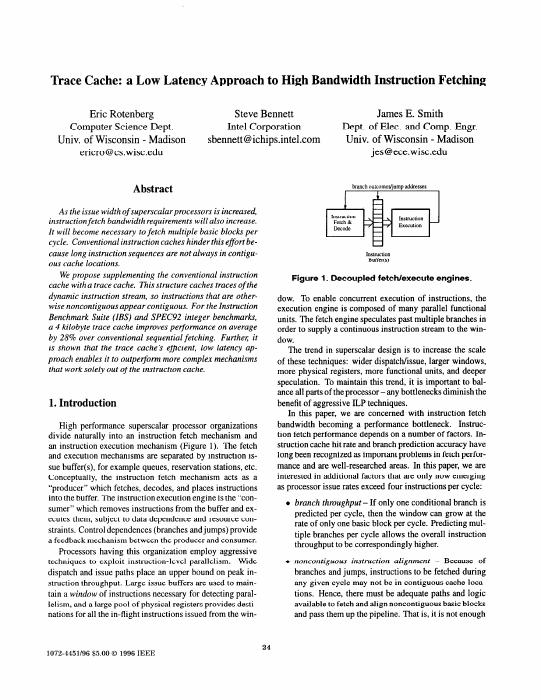
Trace Cache: A Low Latency Approach to High Bandwidth Instruction Fetching
Rotenberg, Bennett and Smith cache instructions in execution order rather than program order, so a fetch can cross taken branches. The front end’s answer to a wide back end.
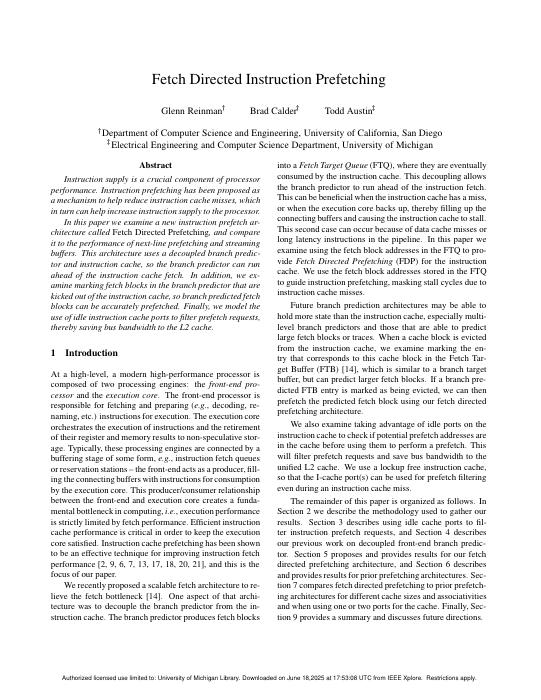
Fetch Directed Instruction Prefetching
Reinman, Calder and Austin run the branch predictor ahead of the fetch unit and use its output to prefetch. Decoupling the two is the whole idea.
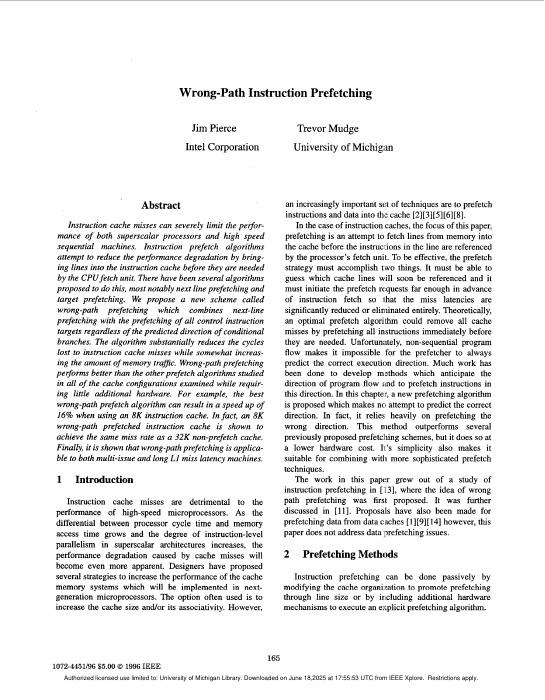
Wrong-Path Instruction Prefetching
Pierce and Mudge show that instructions fetched down a mispredicted path are not wasted work — often enough, you need them soon after.
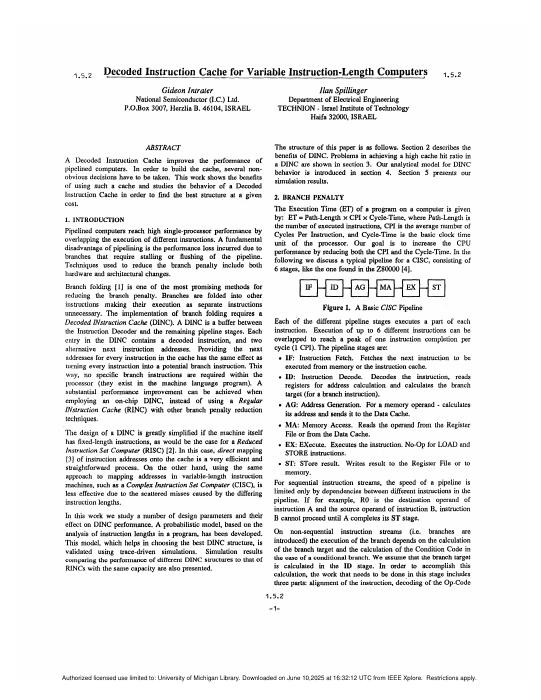
Decoded Instruction Cache for Variable Instruction-Length Computers
Cache the result of decoding rather than the bytes, and a variable-length ISA stops paying for its encoding on every fetch.
Micro-Operation Cache: A Power Aware Frontend for Variable Instruction Length ISA
Ronen, Almog and colleagues at Intel on the structure that became the uop cache in shipping x86 parts, argued for on energy grounds as much as performance.
Improving the Utilization of Micro-operation Caches in x86 Processors
A recent look at how well those caches actually work in practice, and what wastes their capacity.
Memory and Latency Tolerance
Reflections on the Memory Wall
Wulf and McKee’s short warning, revisited. The gap they described is the reason most of the rest of this section exists.
Improving Direct-Mapped Cache Performance by the Addition of a Small Fully-Associative Cache and Prefetch Buffers
Jouppi’s victim cache and stream buffers — two small structures that recover most of what a direct-mapped cache gives away. Unusually good value per page.
Evaluating Stream Buffers as a Secondary Cache Replacement
Palacharla and Kessler push the stream buffer idea further: can prefetching replace a level of cache outright?
Improving Data Cache Performance by Pre-executing Instructions Under a Cache Miss
Runahead execution — keep going speculatively during a miss purely to discover the next miss early. The results are the useful side effect.
A Study of Virtual Memory Usage and Implications for Large Memory
What address translation costs once memories are large, and where the translation hardware stops keeping up.
Decoupled Access/Execute Computer Architectures
Smith splits the machine into an address stream and a compute stream connected by queues, so memory latency is hidden by construction rather than by speculation.
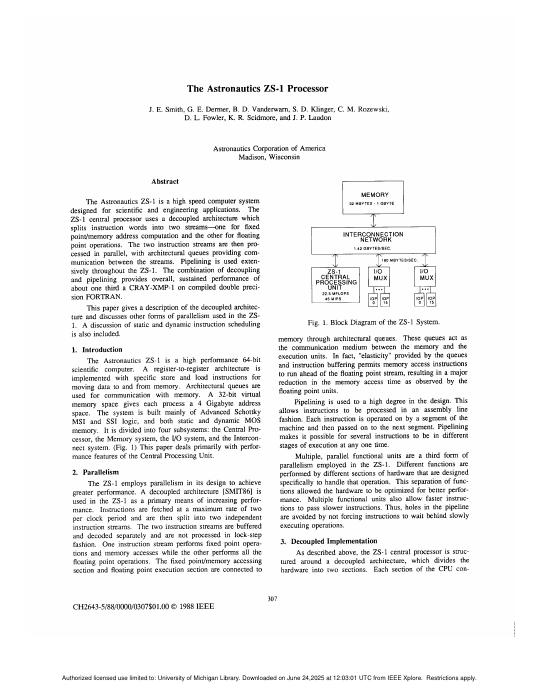
The Astronautics ZS-1 Processor
The decoupled idea taken all the way to a shipping machine. Instructions are split at issue into an access pipeline and an execute pipeline, joined by architecturally visible queues; the access side runs ahead and slips as far as the queues allow, so memory latency is covered without renaming or out-of-order issue. Smith’s argument is that this buys most of what dynamic scheduling buys for a fraction of the hardware — worth weighing against Tomasulo before you assume there is only one way to build a fast machine.
Commercial Microarchitectures
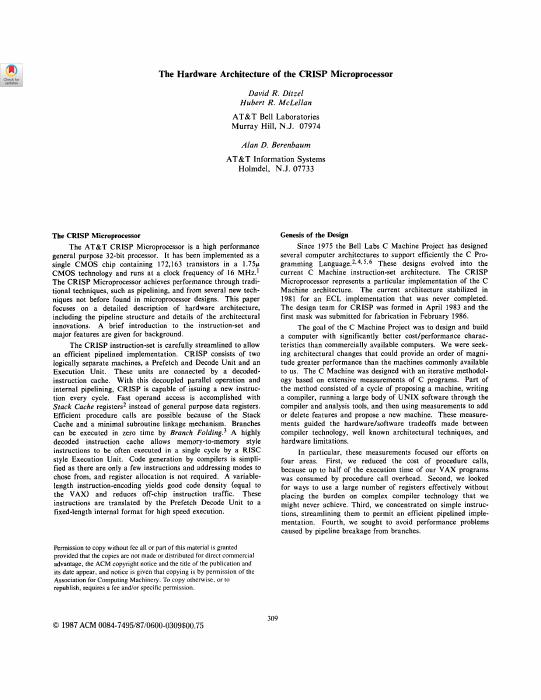
The Hardware Architecture of the CRISP Processor
Ditzel, McLellan and Berenbaum’s machine — a decoded instruction cache, folded branches and a stack cache, in one coherent design.
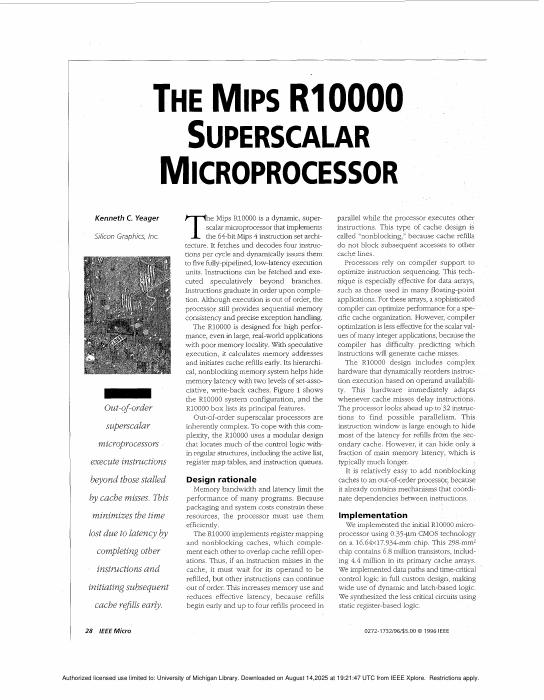
The MIPS R10000 Superscalar Microprocessor
Yeager’s description of a clean, fully out-of-order design: renaming, three instruction queues, precise interrupts. The closest published machine to what the project builds.
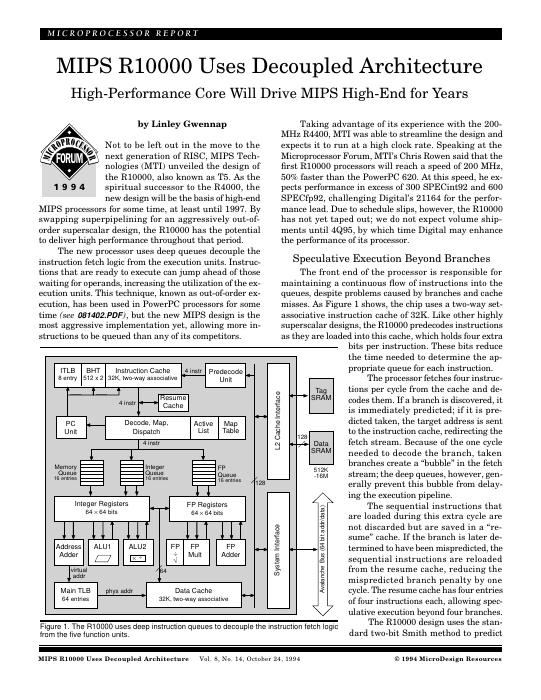
MIPS R10000 Uses Decoupled Architecture
The Microprocessor Report write-up of the same chip — shorter, and a good way in before the full paper.
The Alpha 21264 Microprocessor
Kessler on a machine designed around clock rate: clustered functional units, a tournament predictor, and a memory system built for speculation.
The Microarchitecture of the Pentium 4 Processor
The trace cache, the double-pumped ALUs and a twenty-stage pipeline, described by its designers. What a deep pipeline looks like when someone commits to it.
The Pentium 4 Processor: Advanced Technology for the Internet and Beyond
The companion overview, with more on the design goals and less on the pipeline detail.
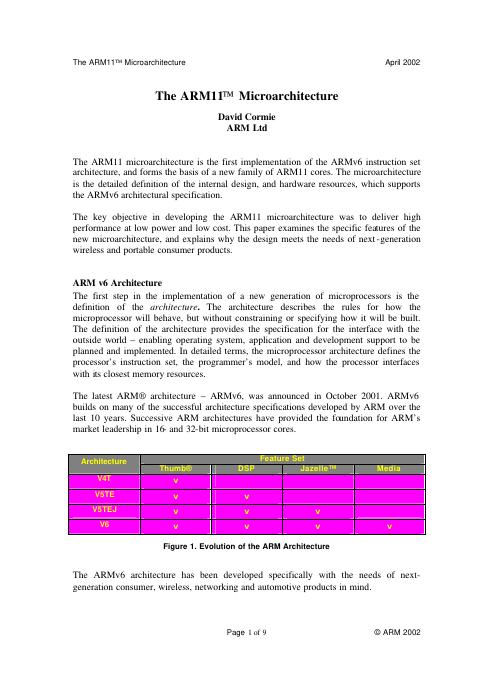
The ARM11 Microarchitecture
What the same problems look like when the budget is milliwatts: an in-order pipeline earning its performance through careful engineering rather than width.
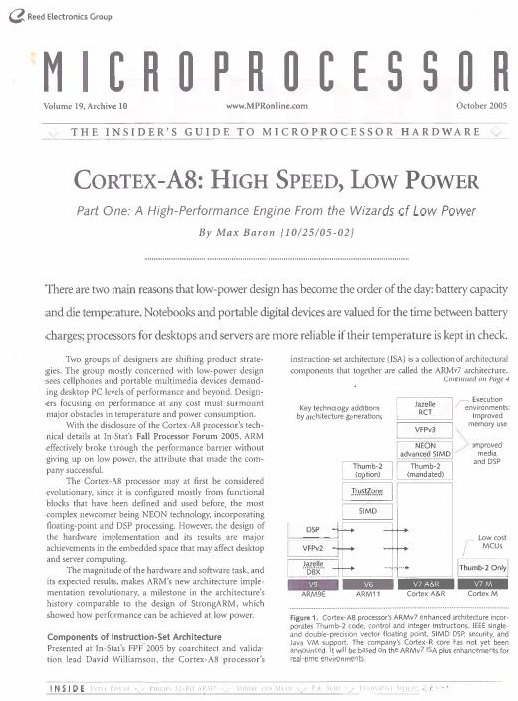
Microprocessor Report: ARM Cortex-A8
ARM’s dual-issue superscalar core — still in order, thirteen stages, with NEON alongside. Read straight after The ARM11 Microarchitecture to see what one generation bought and what it deliberately did not.
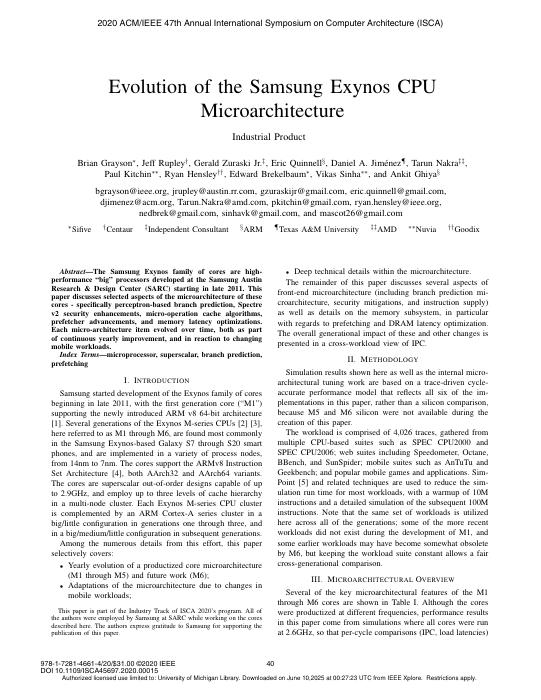
Evolution of the Samsung Exynos CPU Microarchitecture
Four generations of one design team’s out-of-order core, with what changed between them and why. A rare public view of how a microarchitecture actually develops.
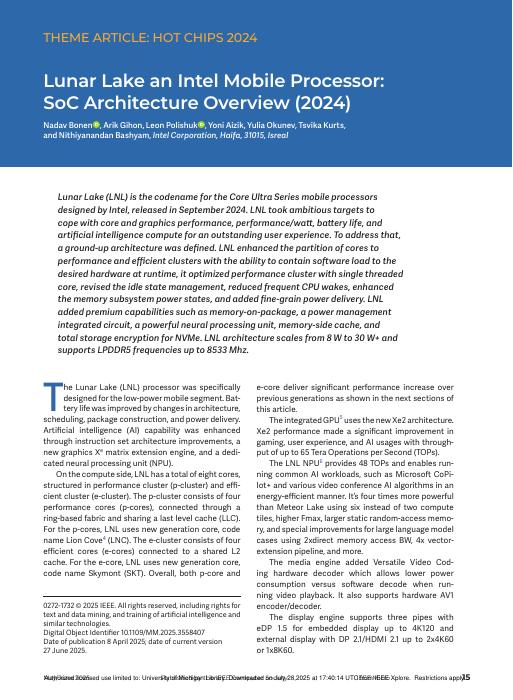
Lunar Lake: An Intel Mobile Processor SoC Architecture Overview
A current SoC in full — cores of two kinds, an NPU, packaged memory. Where the core is only part of the design.
Power and Energy
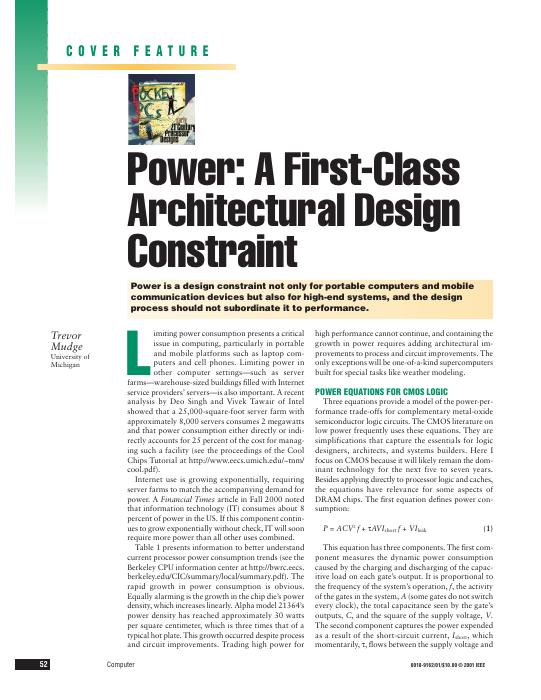
Power: A First-Class Architectural Design Constraint
Mudge on the moment power stopped being someone else’s problem, and what changes in an architect’s job when it is a constraint rather than an outcome.
Computing's Energy Problem (and What We Can Do About It)
Horowitz puts numbers on where the energy goes — a multiply costs far less than the memory access that feeds it — and follows the consequences. Explains most of what has happened to computer architecture since.
Vertigo: Automatic Performance-Setting for Linux
Voltage and frequency set from what the machine is actually being asked to do: the operating system watches interactive episodes and delivers just enough performance to meet the deadline a person would notice.
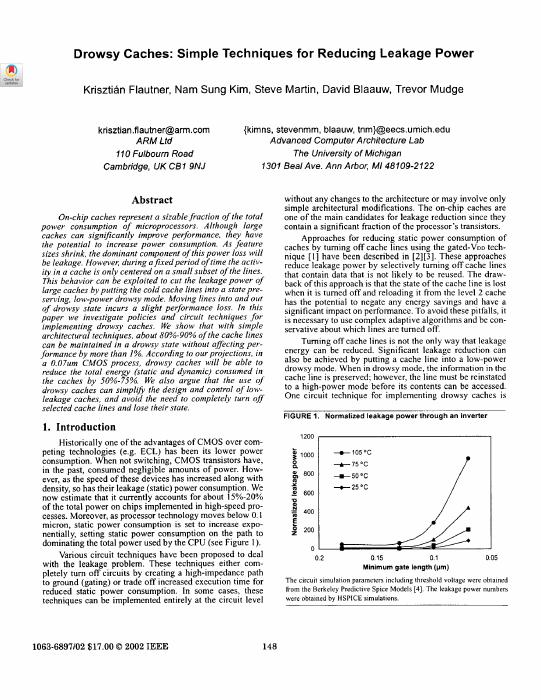
Drowsy Caches: Simple Techniques for Reducing Leakage Power
Once leakage dominates, a cache line costs power merely by existing. Holding most lines in a low-power state that still preserves their contents recovers most of that, for a small penalty when one is woken.
Razor: Circuit-Level Correction of Timing Errors for Low-Power Operation
Ernst and colleagues run the supply voltage below the point where timing is guaranteed, then detect and correct the errors that follow. The margin every other design pays for, spent instead.
Making Typical Silicon Matter with Razor
The companion argument as a design methodology: build for the part you typically get rather than the worst one you might, and let error correction cover the difference.
SODA: A Low-Power Architecture for Software Radio
A processor shaped by one demanding workload — wireless baseband — instead of by general-purpose code. Wide SIMD, almost no cache, and a power budget that rules out most of what the rest of this list takes for granted.
From SODA to Scotch: The Evolution of a Wireless Baseband Processor
What changed when that design was pushed toward a real product. The rare paper that reports the second iteration rather than only the first.
Beyond the Core
Chiplets: How Small Is Too Small?
Splitting a die has costs as well as yield benefits; this works out where the crossover is.
Chiplets: Solutions for Custom ICs
Workshop reports on where chiplet-based design actually stands — standards, interfaces and the parts that are not solved yet.
Disaggregated Designs: Technology Challenges and Enablers
What has to be true in packaging and interconnect before pulling a system apart is a good idea.
Understanding Interactions Between Chip Architecture and Uncertainties in Semiconductor Supply and Demand
Architecture decisions viewed as supply-chain decisions — die size, process choice and packaging against the risk of not being able to build the thing.
Plasticine: A Reconfigurable Architecture for Parallel Patterns
Prabhakar et al. build for dataflow patterns rather than instructions. Useful contrast for anyone who thinks the out-of-order core is the only way to spend a chip.
Class
- Lecture Recordings
LECCAP
CAEN’s excellent Lecture Recording service

Piazza
Q&A forum. Answer as many questions as you can!

infiniSym
The check-in and polls app. It’s a Progressive Web App (PWA): works in the browser but if you download and save it to your mobile, you will not need to reauthenticate as much. Unfortunately Apple prefers apps in their App Store, so the experience isn’t as smooth as it should be.

EECS470 web (UM auth access)
The Google Drive folder behind every link on this site — materials, papers and resources in one place. Sign in with your U-M account.
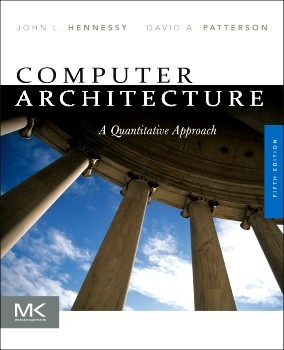
Hennessy & Patterson — Computer Architecture: A Quantitative Approach, 5th Edition
The course textbook, read online through the U-M Library’s ProQuest Ebook Central subscription. Sign in with your U-M account when the library proxy asks.
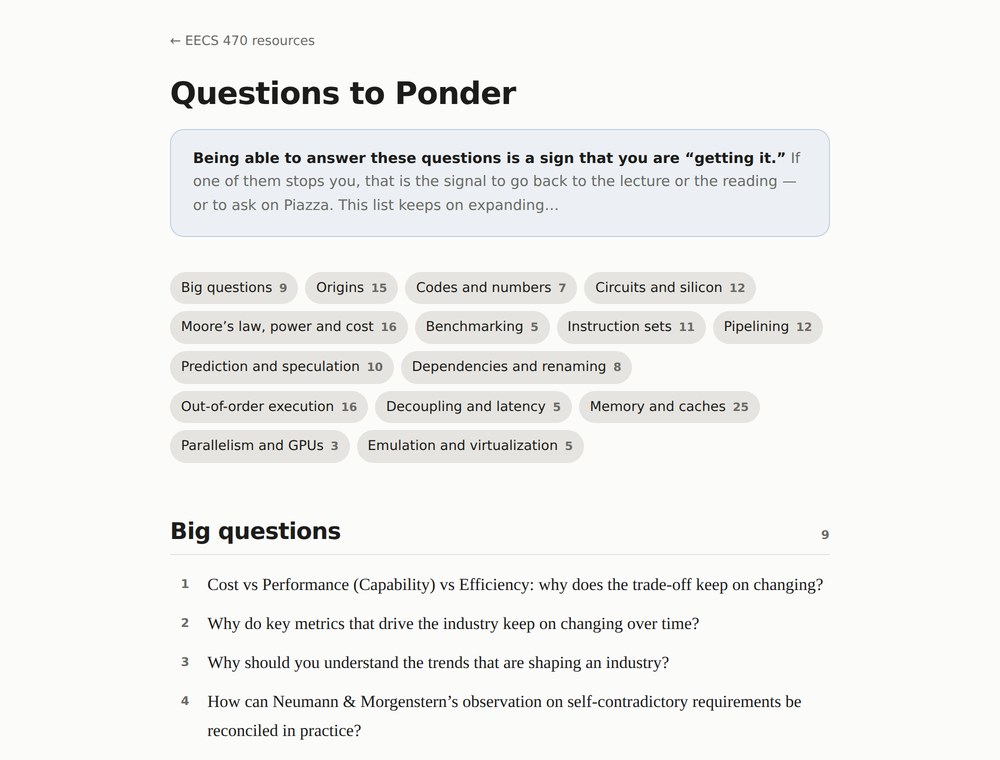
Questions to Ponder
Being able to answer these questions is a sign that you are “getting it.” If one of them stops you, that is the signal to go back to the lecture or the reading. This list keeps on expanding…
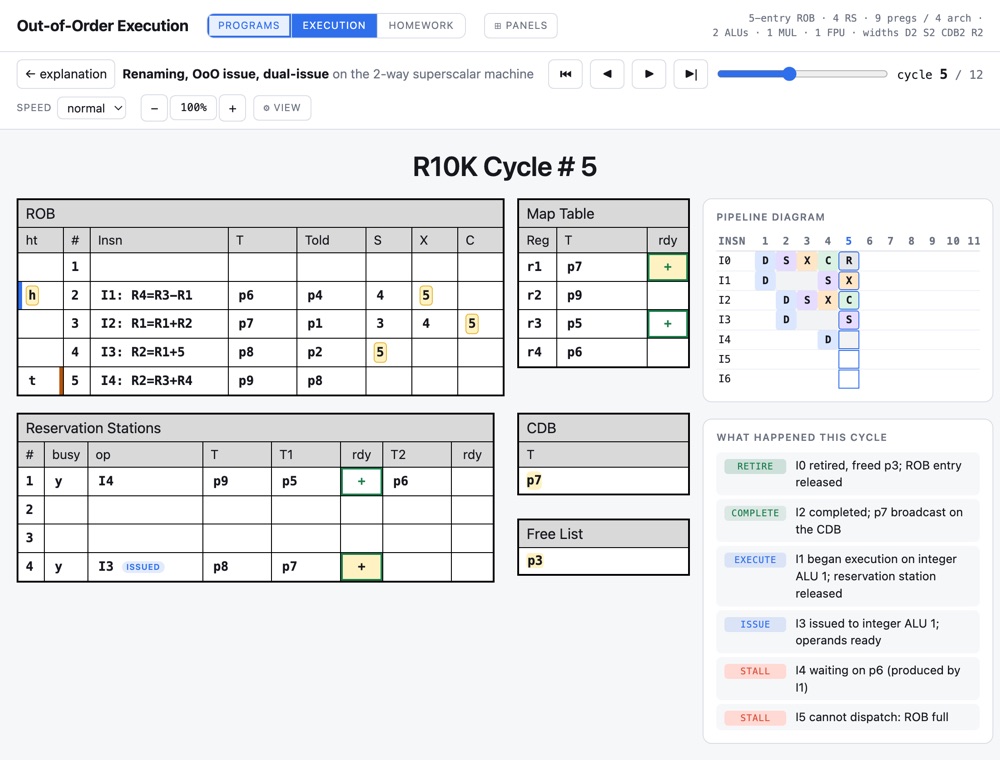
Out-of-Order Execution
EECS470’s processor simulator that helps learn register renaming and out-of-order execution. The microarchitecture is loosely based on the MIPS R10K.
Perspectives
Scarcity
“Scarcity designs the machine.” Written in response to your questions: what a switch has cost from the vacuum tube to the Apple A15 — ten orders of magnitude in seventy years — why Moore’s law is economics rather than physics, and how the ideas in this course trace back to what was scarce when each was born.
Specification
What is the essential part of a program? Not the order the programmer typed: a program is its dependence graph — a partial order, with many correct execution orders that all compute the same answer. Also written in response to your questions; it is the idea underneath everything an out-of-order machine does.
Review
Alan Turing’s Machines
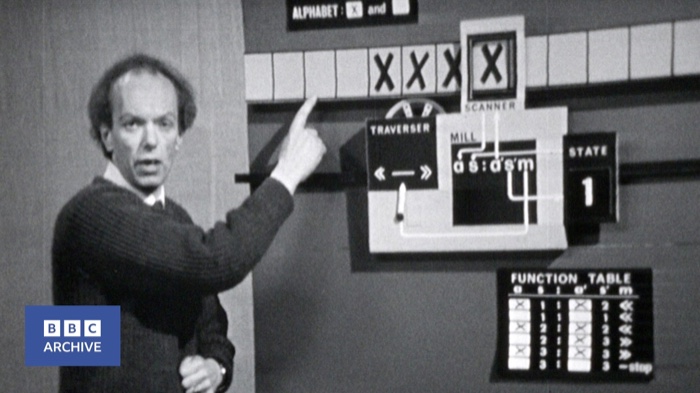
A BBC schools programme from 1966: what are the ultimate limits of what a computer can do? Alan Turing answered that in 1936, years before any computer ran. His Universal Turing Machine — one fixed machine that reads a description of any other and carries out its work — is the founding idea of the stored-program computer: it is why a single processor can run any program, and why hardware and software could become separate things at all.
EECS 270/370 Digital Logic Review
The Lab 0 slide deck, revisiting the EECS 270 digital logic you will need here — gates, decoders, multiplexers and the ALU, then propagation delay. Worked alongside the worksheet below. Also in a dark version.
EECS 270/370 Digital Logic Review Worksheet
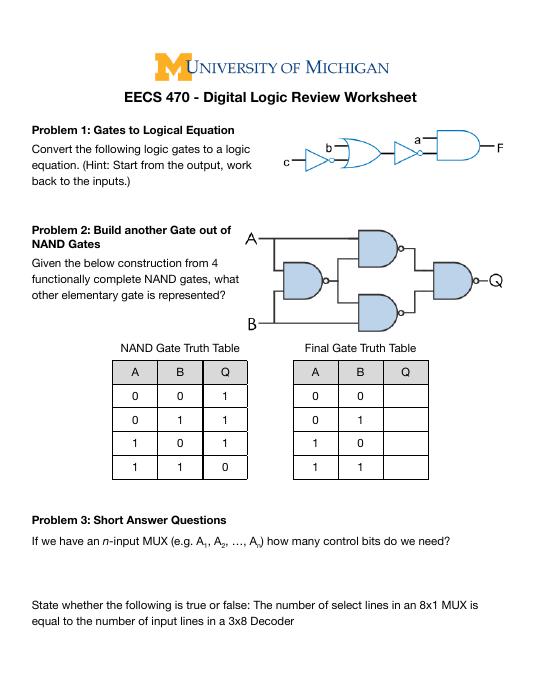
Four pages of problems to work through with that deck: reading a logic equation off a gate diagram, building one gate out of NANDs, and reasoning about propagation delay.
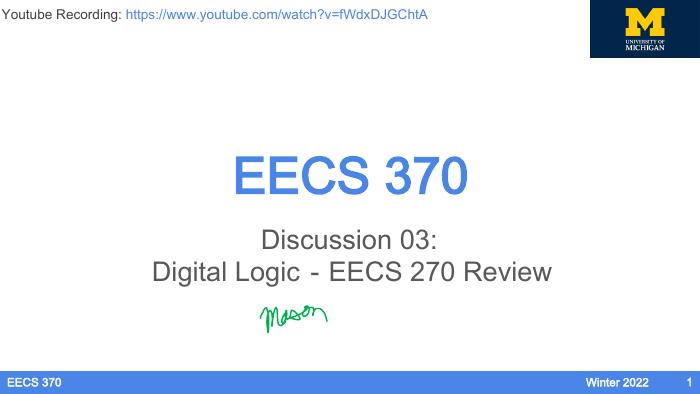
EECS 370 Discussion 03: Digital Logic — EECS 270 Review
The EECS 370 Winter 2022 running of the same discussion, carrying Mason’s annotations, with a recording of the session.
- EECS 370 Videos
EECS 370 Lecture Videos
Jon Beaumont’s Spring 2023 EECS 370 lectures. An excellent way to refresh your memories.
Computer Organization and Design: The Hardware/Software Interface
Patterson and Hennessy’s EECS 370 textbook, ARM edition, online through the U-M Library. The single-cycle and pipelined datapaths, hazards, caches and virtual memory that this course assumes you already know.
CAEN
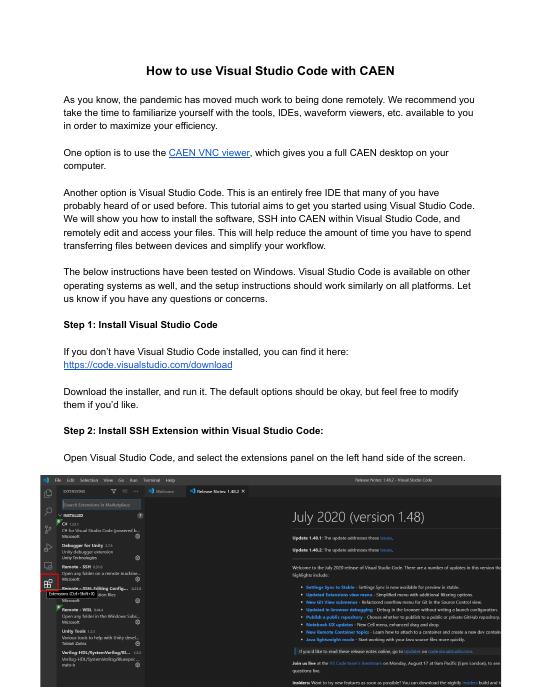
How to use Visual Studio Code with CAEN
How to install VS Code, SSH into CAEN from inside it, and edit your files where they already are — so you stop copying work back and forth between your machine and the lab.
Verilog
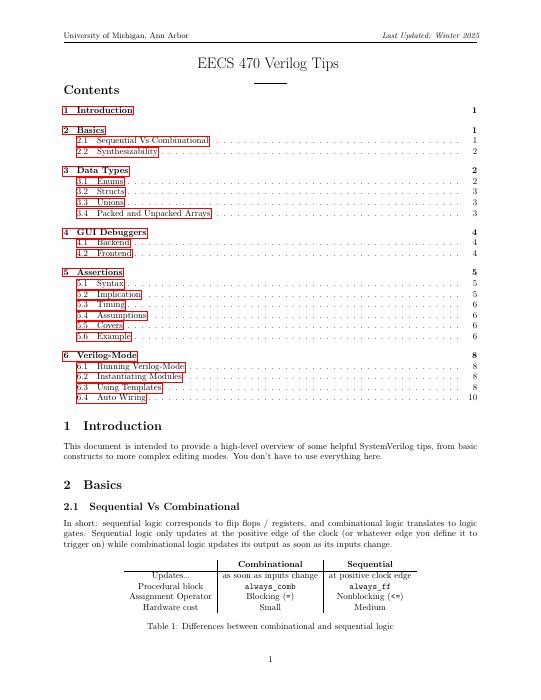
EECS 470 Verilog Tips
The course’s own guide to writing Verilog that behaves: sequential versus combinational logic, what is actually synthesizable, and the mistakes that cost the most time. Start here.
Synthesizing SystemVerilog: Busting the Myth that SystemVerilog is only for Verification
Sutherland and Mills’ SNUG 2013 paper, arguing SystemVerilog is not only a verification language and showing which of its constructs synthesis tools genuinely accept.

Synthesizing SystemVerilog (SNUG 2013 slides)
The slides for that paper — the faster way in if you want the conclusions before the argument.
Verdi Basic Training & Technical Overview
Novas’ training deck for Verdi, covering nTrace, nSchema, nState and nWave. The tour worth taking before you debug a waveform in anger.
HDL Compiler™ for SystemVerilog User Guide
Synopsys’ HDL Compiler for SystemVerilog user guide: the authoritative account of what the synthesis tool accepts and how it reads it. A reference to search, not a document to read.
Verdi User Guide and Tutorial
The full Verdi user guide and tutorial from Synopsys. Nearly 500 pages — reach for it when the training deck runs out.
Microcode
Computer Architecture: A Quantitative Approach — 5.5 Microprogrammed Control
The microprogramming material from the first edition of Hennessy and Patterson’s Computer Architecture: A Quantitative Approach — how processor control was built before hardwired control won.
Software

EDSAC 1951 - The Birth of Practical Software
“The methods of preparing programs for the EDSAC were developed with a view to reducing to a minimum the amount of labor required, and hence of making it feasible to use the machine for problems which require only a few hours of computing time, as well as for those which require many hours. This necessitated the establishment of a library of subroutines and the development of systematic methods for constructing programs with their aid.”
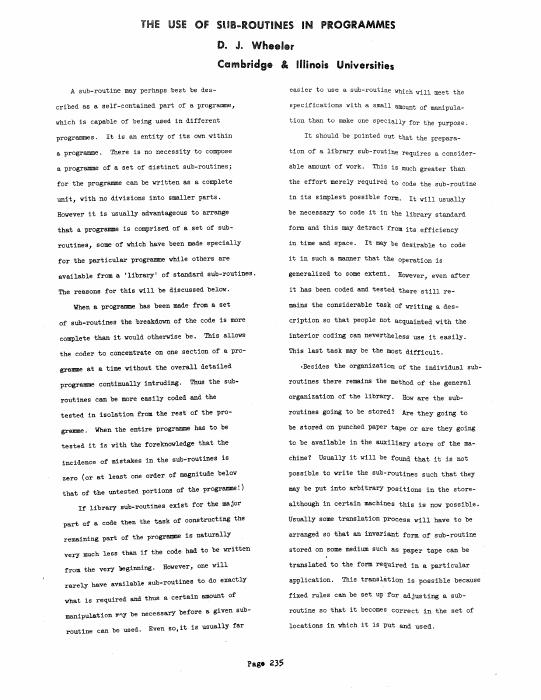
The Use of Sub-Routines in Programmes
Wheeler’s paper introducing the subroutine as a self-contained part of a programme that can be used in different programmes — the origin of the “Wheeler jump”, and of the function call as we know it.

BYTE, August 1981 — The Smalltalk Issue
The issue that introduced Smalltalk-80 to everyone outside PARC: the language, the environment, and the machine it wanted, explained to readers who had never seen overlapping windows. The written companion to the panel below.

Making Smalltalk
Adele Goldberg and Dan Ingalls, interviewed by John Markoff in 2022, on building Smalltalk at Xerox PARC — the educational mission behind it, and how that work reached the graphical interface and every object-oriented language that followed. The other half of the DynaBook reading.
The Java Story
CultRepo’s hour-long 2026 documentary, with James Gosling, Kim Polese, Brian Goetz and others: Oak at Sun in the 1990s, the bet on a portable virtual machine, the lawsuits, and what thirty years of keeping a platform compatible actually costs.

Steve Jobs at WWDC 1997
The complete session from weeks after his return to Apple: over an hour of unscripted developer Q&A — defending the decision to kill OpenDoc, “focusing is about saying no,” and starting with the customer experience and working backwards to the technology.
Bill Joy — 50 Years of Advancements
Computing and technology 1975–2025 (and beyond), surveyed in a Fall 2025 Berkeley talk by the man who wrote BSD Unix and vi as a grad student there, then co-founded Sun. The link starts fifteen minutes in, where the talk proper begins.
ARM
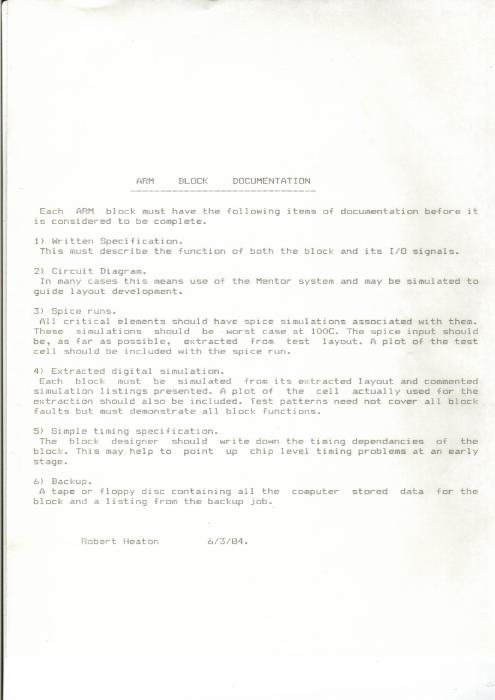
ARM Block Spec - 1984
A one-page note from March 1984 setting out what documentation every ARM block needed before it counted as finished: written specification, circuit diagram, SPICE runs at worst case, extracted simulation, timing, and a backup tape.
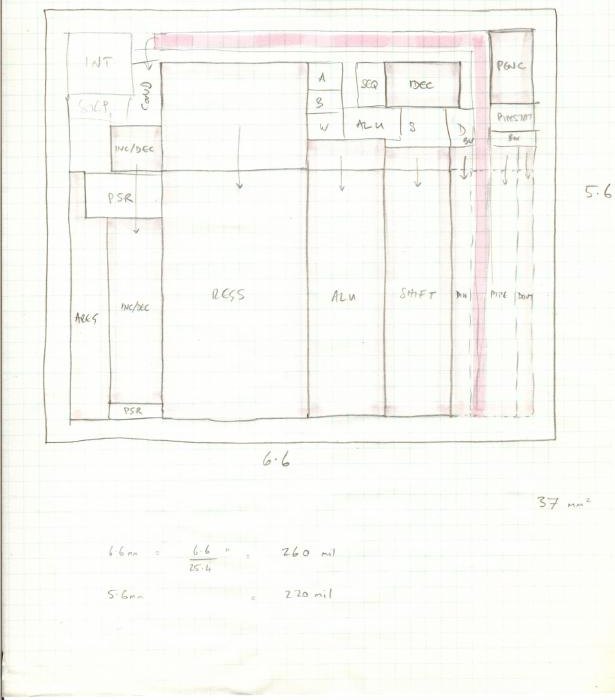
ARM Floor Plan
The ARM floor plan, in pencil on graph paper — registers, ALU, shifter, instruction decode and the pipeline laid out across 6.6 by 5.6 mm. Thirty-seven square millimetres for a processor.
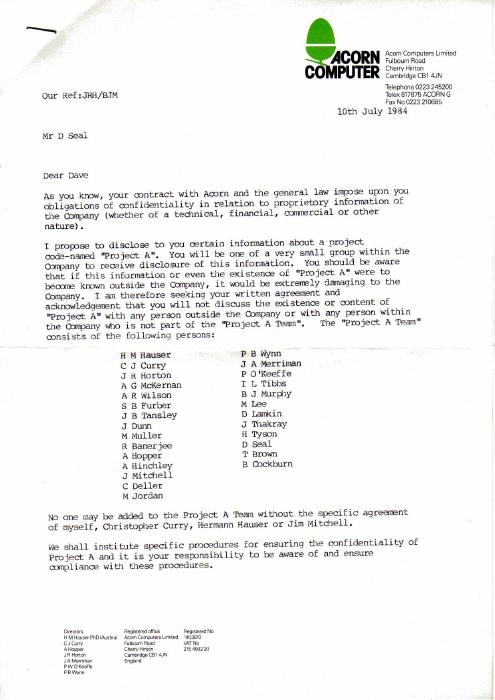
Acorn Project A Letter - 1984
The July 1984 letter placing Acorn’s “Project A” under confidentiality and naming the twenty-odd people permitted to know it existed. Project A became the ARM.
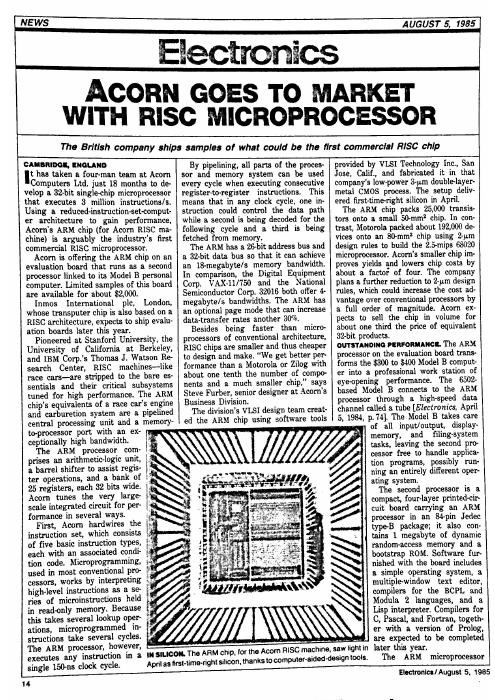
Acorn Goes to Market with RISC Processor - 1985
Electronics, August 1985, on Acorn shipping what it calls arguably the industry’s first commercial RISC microprocessor: 25,000 transistors against the 68020’s 192,000, and Steve Furber explaining why the smaller chip wins.
First ARM Presentation
The first Advanced RISC Machines presentation deck, opening on three ARM dies set as diamonds beneath the new company’s name.
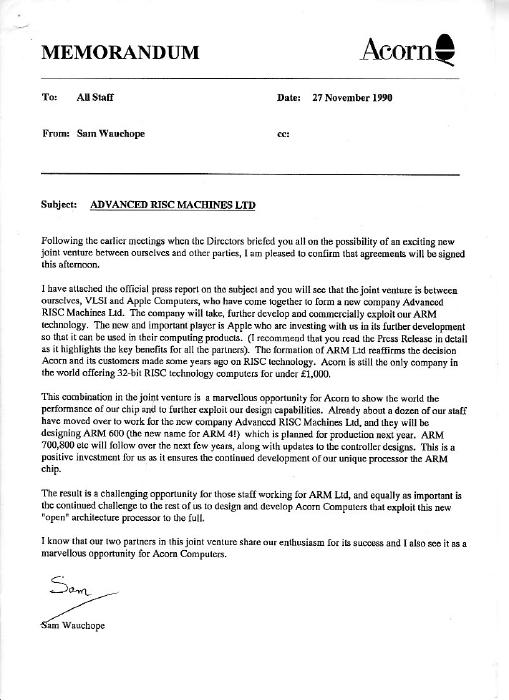
Acorn Internal Memo - 1990
Acorn’s memo to all staff, 27 November 1990, confirming that the joint venture with VLSI and Apple would be signed that afternoon — and that about a dozen of its own staff had already moved across to the new company.
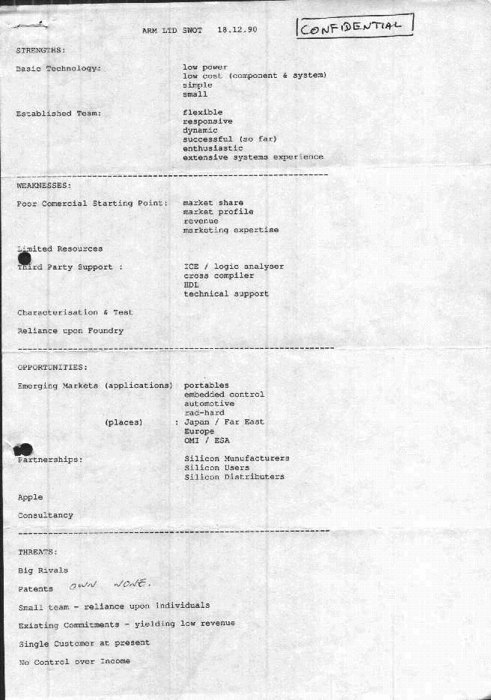
SWOT - 1990
A single page of strengths, weaknesses, opportunities and threats for the new ARM Ltd, dated 18 December 1990. Low power and a capable team on one side; no patents, one customer and reliance on a foundry on the other.
Advanced RISC Machines Limited Business Plan - 1991
ARM’s own business plan, issue 2.6, August 1991 — how the company described itself in its first year, before anyone knew how the story ended.
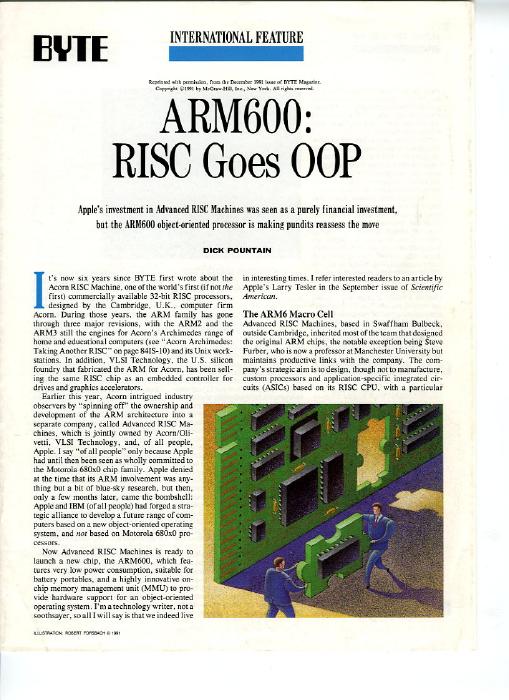
BYTE on the ARM600 - 1991
Dick Pountain in BYTE, December 1991, on the ARM600 and its object-oriented memory management — written when Apple’s investment in ARM still looked to most observers like a curiosity.
Historic ARM Presentation to Apple Computer - 1992
Film of ARM presenting itself to Apple in 1992, two years after Apple, Acorn and VLSI founded the company — the pitch, on camera, to the customer whose Newton project had brought ARM Ltd into being. From the archive of the Centre for Computing History.
Commodore 64
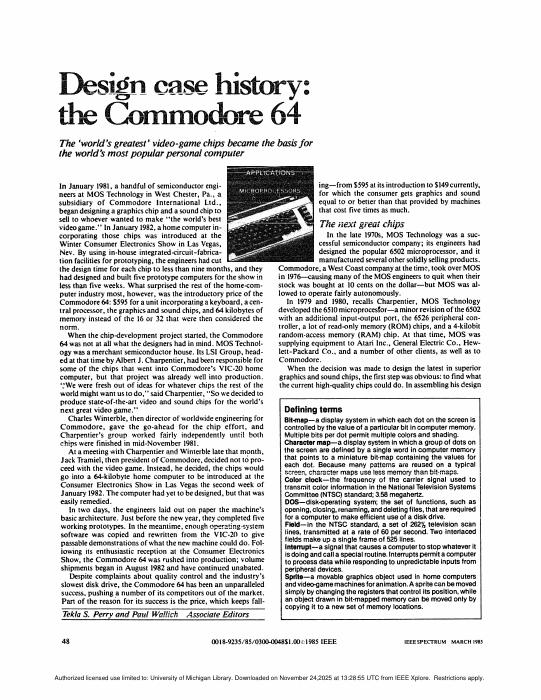
Creating the Commodore 64: The Engineers' Story
Tekla Perry and Paul Wallich in IEEE Spectrum, March 1985: a graphics chip and a sound chip begun at MOS Technology in January 1981, a computer built around them a year later, and a $595 price nobody else could answer. A published post-mortem of a machine designed in under a year — the ARM story’s counterpart on the other side of the Atlantic.
The same article, as IEEE Spectrum republished it
The web edition of the piece above, retypeset and easier to read on a screen. The scan keeps the original 1985 layout and figures; this one keeps the text.
HP-65
HP-65 Owner's Handbook
Hewlett-Packard’s January 1974 handbook for the first programmable pocket calculator: RPN and the four-register stack, then programming — 100 steps of merged keycodes, labels, conditional tests and flags, recorded onto magnetic cards. An instruction set, a register file and a control flow, in your hand, for $795.
HP-65 Program Forms
The coding sheets that came with the machine: a keycode map of the keyboard, the rules for recording a card, and blank program and user-instruction forms to fill in by hand before keying anything in.

HP-65 Microcode Emulator
Sydney Smith’s HP-65 in the browser — not a re-implementation of the functions but an emulation of the original microcode, so it behaves, and misbehaves, exactly as the 1974 machine did. Open it beside the handbook and work the examples. The page behind the emulator explains what the HP-65 was, how the emulation was built, and how to install it as an app on a phone.
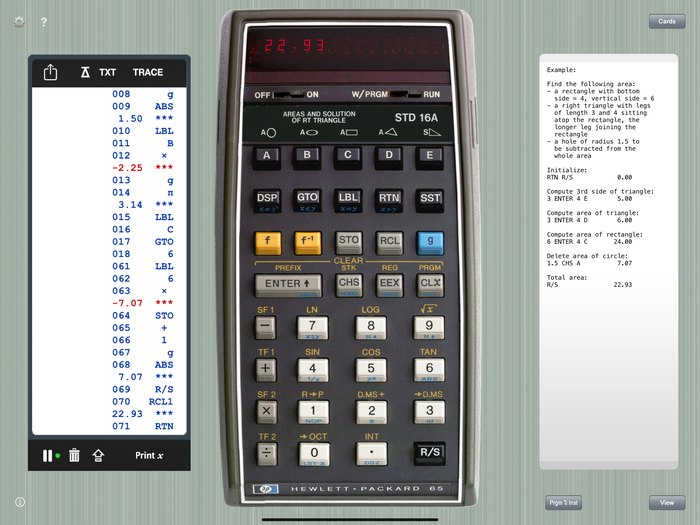
RPN-65: HP-65 Simulator for iPhone and iPad
CuVee Software’s photorealistic HP-65 for iOS. It runs the original program library from virtual magnetic cards and adds what HP could not fit in 1974 — more memory, nested subroutines, a program listing and a trace of every step — which makes it a good way to watch a program run.
AI
The Silicon Gold Rush: How AI is Driving the Development of New Chips
A CHM Live panel from August 2026: Bill Dally (NVIDIA), Norm Jouppi (Google) and moderator Dave Patterson on why companies once defined by software are now designing their own accelerators, and what that does to cloud economics, power and data-center architecture.
Could a Neuroscientist Understand a Microprocessor?
Jonas and Kording, 2017. Point neuroscience’s toolkit — lesions, tuning curves, connectomics — at a 6502 playing Donkey Kong, where every transistor is known. It finds structure everywhere and the architecture nowhere. Now imagine a stack of Universal Turing Machines, or emulators, each running the next: watching only the tape, how would you tell what the top one is running?
Creativity

John Cleese on Creativity
The best scientists and engineers are deeply creative — not usually in their wardrobes or haircuts, but in how they handle a daunting pile of constraints and still ship on time. They find a plausible narrative that maps onto the problem and act on a creative hunch, a mental muscle built up over years.
Evolution is nature’s engineering method and works if you have forever; creativity is the shortcut, and its best results break the assumptions they started with.
John Cleese has thought about creativity for decades and, in 2020, published Creativity: A Short and Cheerful Guide. He has standing on the subject — one of the geniuses of Monty Python — and, after several expensive divorces, a motive; the corporate-speaking circuit presumably helped. But what he says holds up and is worth trying.
He distinguishes two mental states. Closed mode: anxious, purposeful, slightly stressed — where we spend most of our time getting things done. Good for execution, bad for thinking. Open mode: relaxed, playful, curious, not fixated on a goal. This is where ideas actually show up, and where the connections between them get made.
Cleese’s recipe for entering the open mode on purpose:
- Space. Seal yourself off — a quiet oasis where nothing can reach you.
- Time. A fixed window, about ninety minutes. Shorter and ideas can’t develop; longer and focus wanders. The first thirty minutes go to calming down; that leaves an hour of real play.
- Patience. Sit with the problem instead of grabbing the first solution. The most creative people tolerate the discomfort of leaving things unresolved and let them stew. The to-do-list thoughts that surface when you sit down — let them pass.
- Confidence. Don’t pre-judge. You can’t play if you’re afraid of being wrong; to play is to experiment, and any drivel may lead to a breakthrough.
- Humor. Nothing moves you from closed to open faster. Laughter loosens.
And a few things he keeps coming back to: trust your unconscious — give it material and a night’s sleep, and it works on the problem while you’re not looking. Separate creating from editing; doing both at once strangles ideas. Write ideas down the moment they arrive, because they are slippery. And treat interruptions as the natural enemy of the open mode, which they are.
The speech itself, at a Video Arts conference in 1991, is thirty-six minutes on the open and closed modes and how to get from one to the other — funnier than this summary, and the source of most of it.

Moonshots Podcast: John Cleese on Creativity, A Short and Cheerful Guide
The Moonshots podcast works through the book chapter by chapter — the two modes, the recipe, and Cleese’s own examples — for anyone who would rather listen than read.

Oblique Strategies
Brian Eno and Peter Schmidt’s 1975 deck of cards, each a cryptic instruction for when you are stuck — draw one and take it seriously. This is the deck as a web app; the history is worth a few minutes too. A cheap way into the open mode.